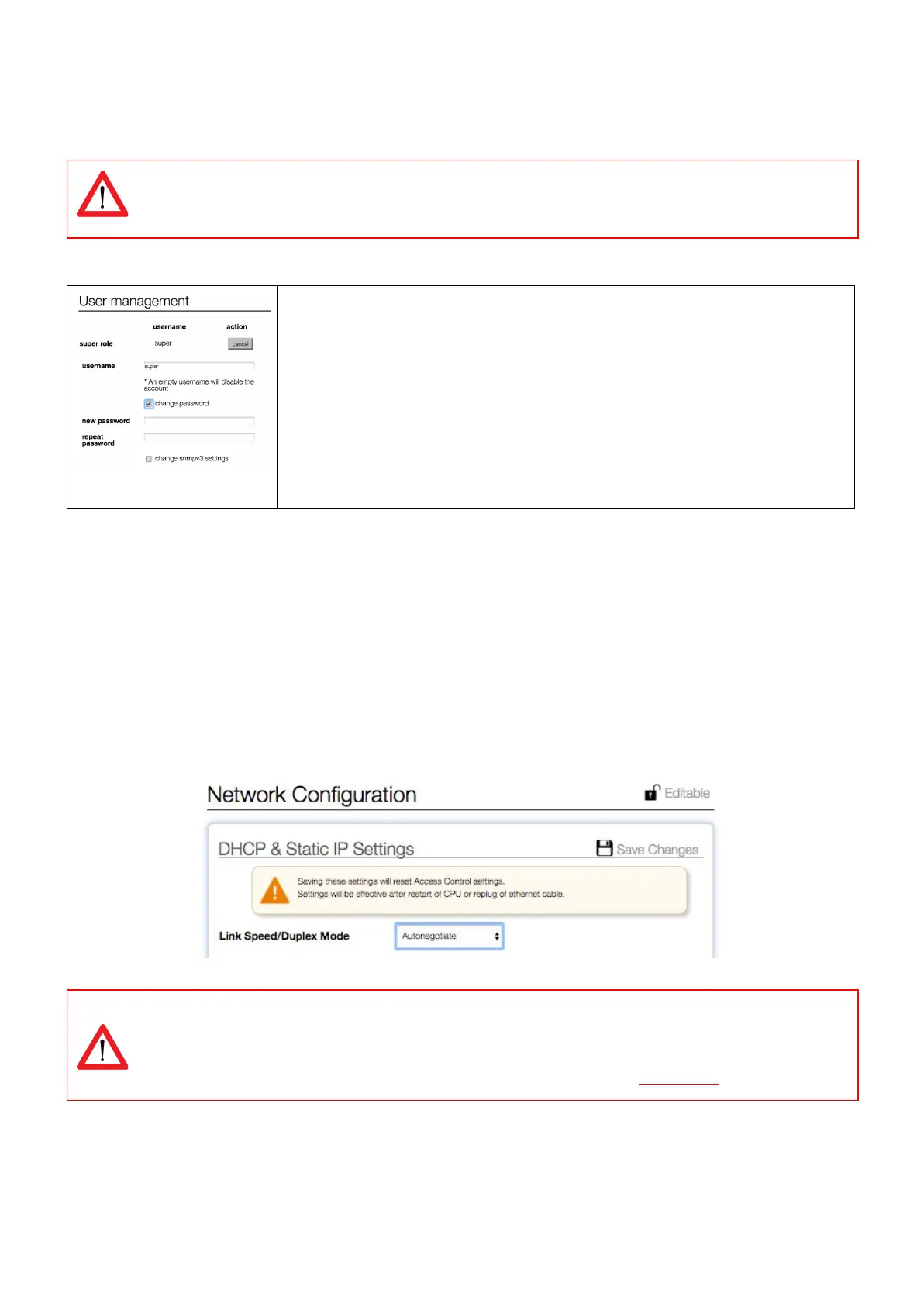
How to change factory passwords?
All user profile passwords MUST be changed at the first connection by the administrator !
In tab “Interfaces”, block “User management” passwords can be changed.
There are five login profiles:
1. Viewer = viewing only
2. User = Viewer + resetting alerts and switching outlets
3. Power = User + resetting subtotals
4. Admin = all administrator rights
And the ”factory profile”: Super
How to change the Ethernet link settings?
By default the “ethernet link speed and duplex mode”-setting is set to autonegotiation. With this setting the link speed
and duplex mode are automatically configured with the link partner (e.g. Network Switch).
You can also configure the link speed and duplex mode to a fixed setting. You can choose from the following options:
● Autonegotiation
● 10 Mbps Full Duplex
● 10 Mbps Half Duplex
● 100 Mbps Full Duplex
● 100 Mbps Half Duplex
When changing this setting you must also configure the link partner correctly! Otherwise you will not be able
to connect to the PDU remotely.
If this setting is changed in the wrong way and you are not able to connect, change the setting of the link
partner to be able to access the PDU again. If this doesn’t work you can try a factory reset.
V252_User manual
Schleifenbauer PDU



 To Next Page