© 2014 SeaStar Solutions Optimus Installation Manual, Rev. E
7-14
7.4.3 User Permissions
The ability to adjust steering effort and helm turns is limited to
those with access to the Dealer Menu, but they can be made
available to the user.
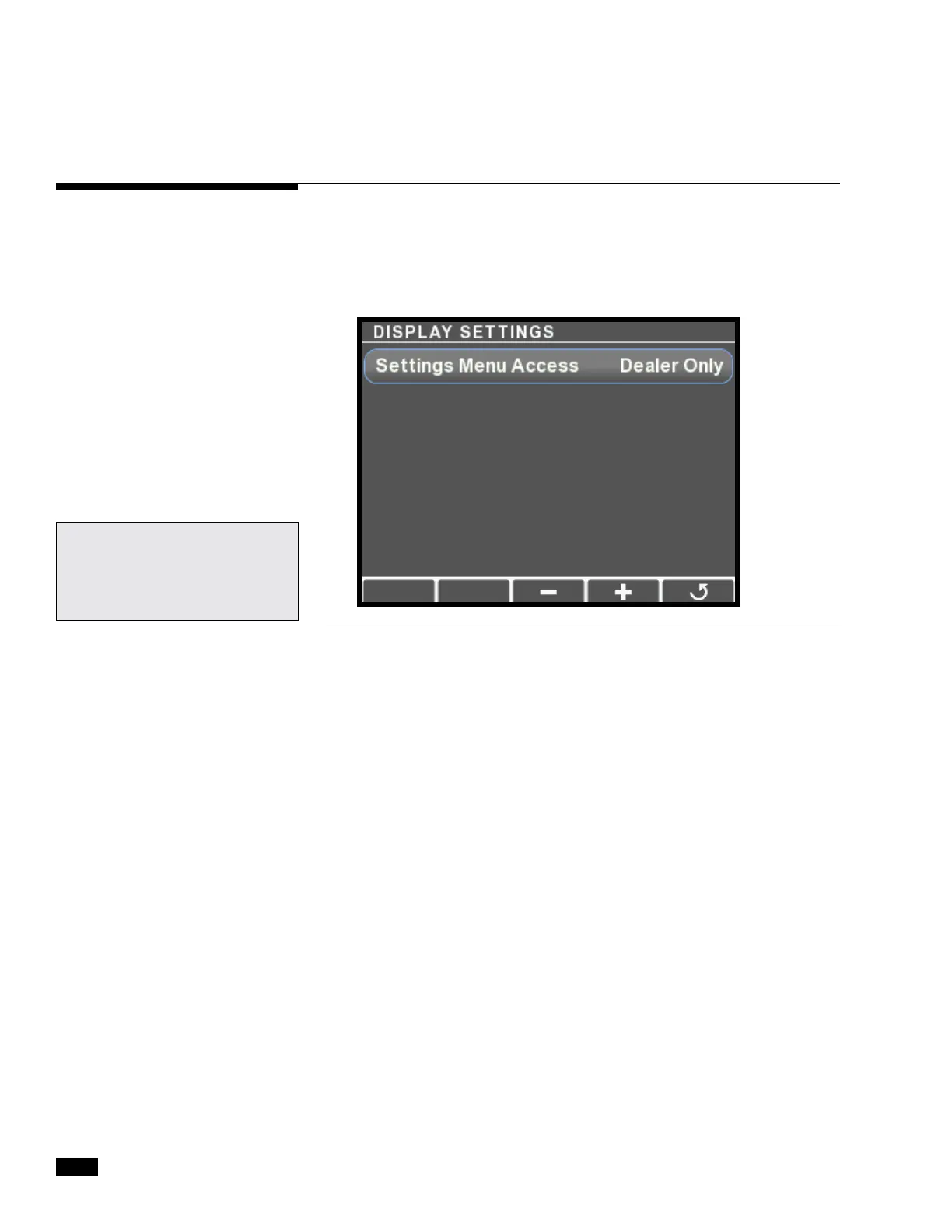
On the display, navigate to Dealer Menu > Settings > Display. Press +
to toggle the setting. You will be prompted to save the setting on exit.
Figure 7-14.
For Datalink users: this
parameter is available in the
Configuration tab of the Color
Display interface.


 To Next Page