1 - 35
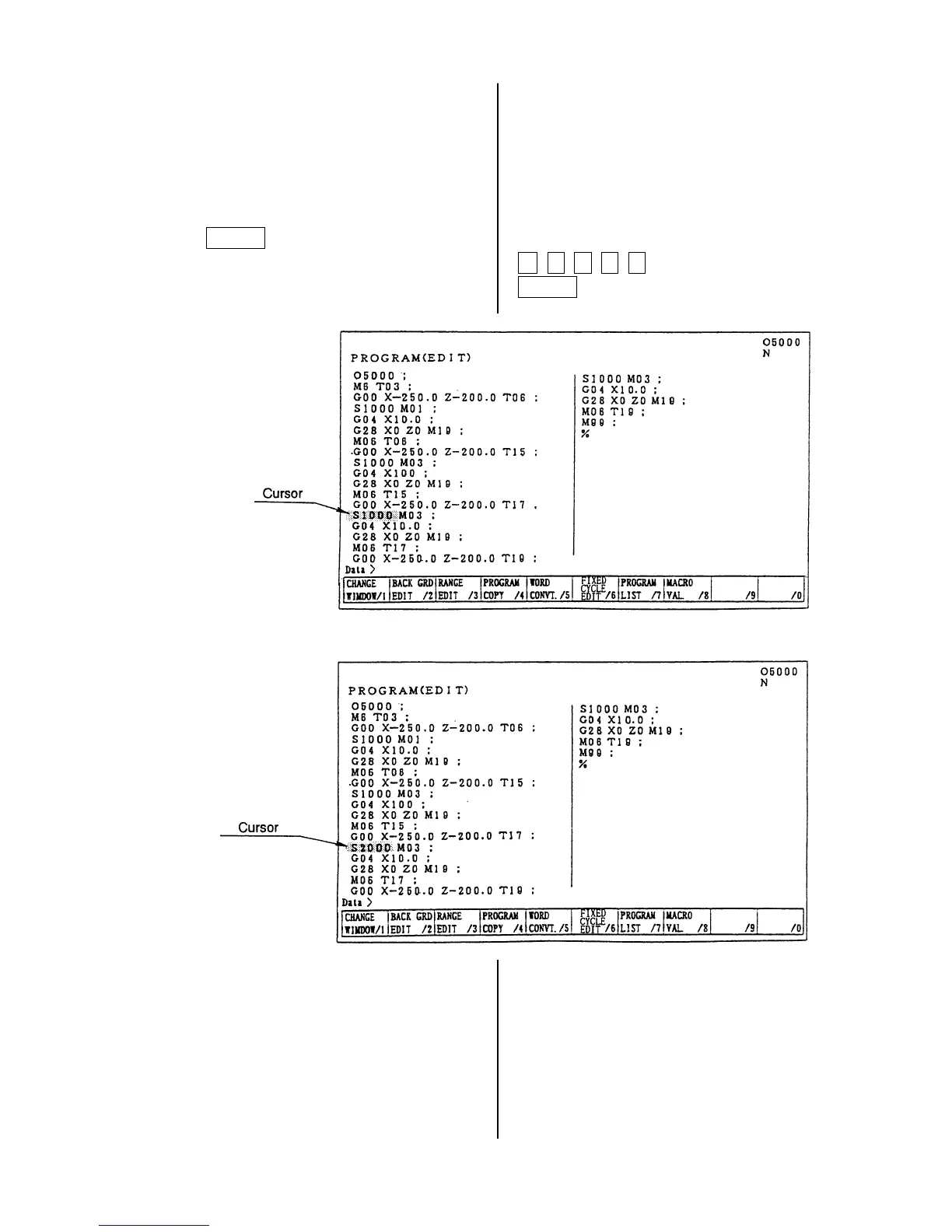
(2) Alteration of word
Alter a word, the cursor located currently, to
the new word.
Alteration is done by a word unit.
[1] Set the cursor to the word to be altered.
[2] Key in the new word then press the
ALTER key.
Example: Alter S1000 to S2000.
After alteration
S1000 replaces S2000.
S 2 0 0 0
ALTER



 To Next Page