1 - 36
(3) Deletion of word, block
A word currently located the cursor or a
certain boundary of a program can be
deleted.
(a) Deletion of word
[1] Set the cursor to a word to be deleted.
[2]
Press the DELETE key.
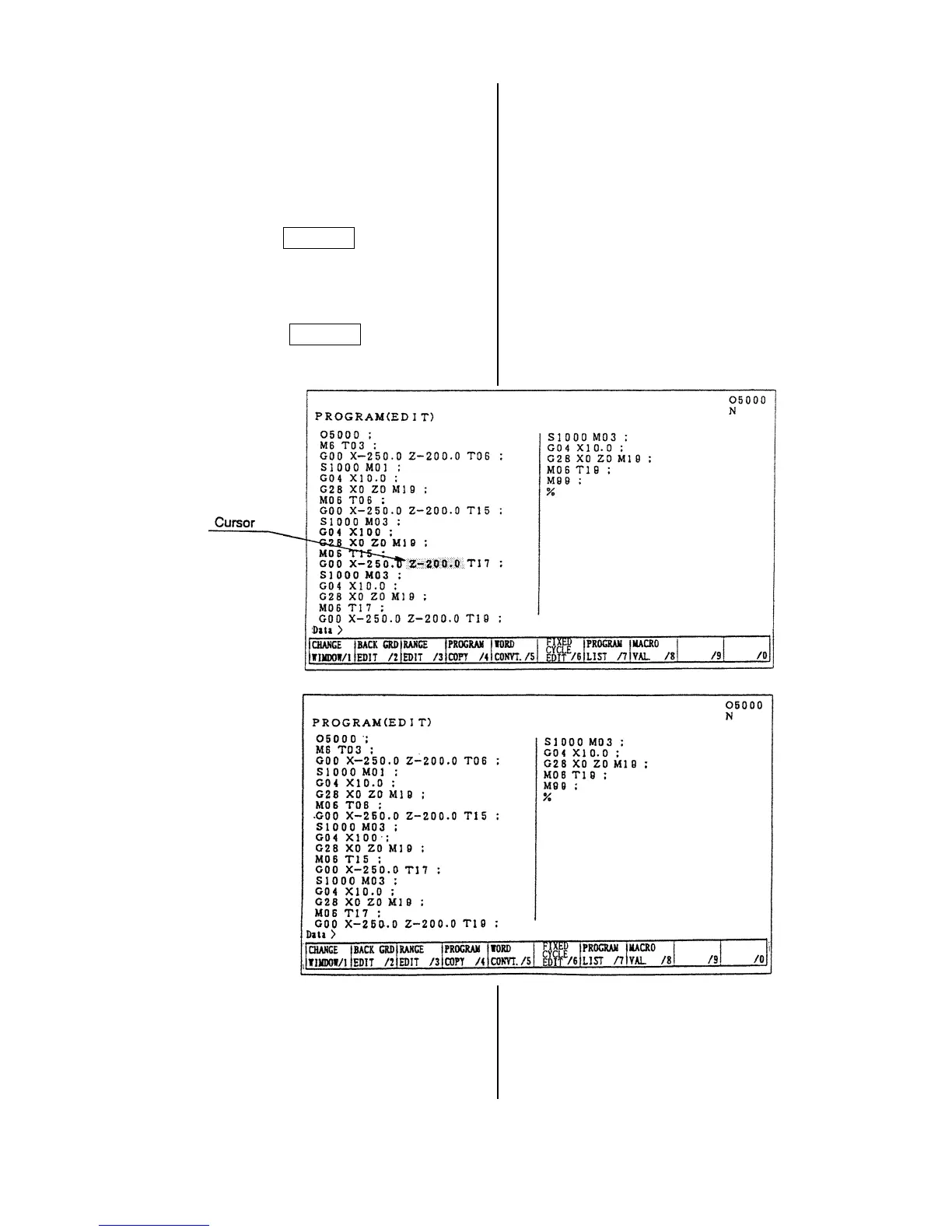
Example: When deleting Z-200.0
Set the cursor to Z-200.0
then press the
DELETE key.
After deletion
Z-200.0 is deleted.



 To Next Page