1 - 72
7) Select an item to be changed by the cursor
key and press the INPUT key.
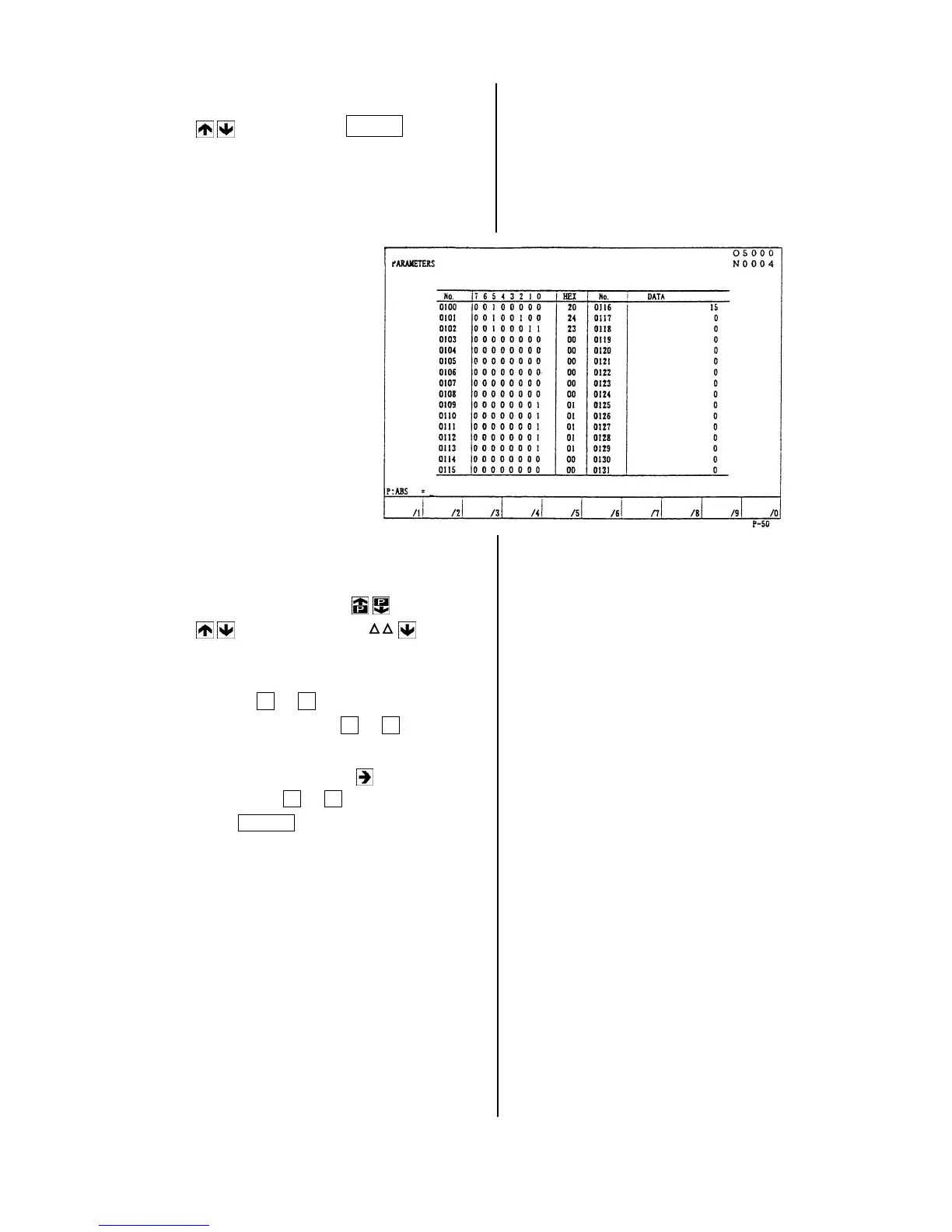
The parameter list is displayed.
If the setting is “Selected”, it displays as the
right side sketch for example.
8) Set the cursor to the parameter No. to be
changed by the page key
or cursor
key
or direct call by N etc.
9) Change the parameter.
The parameter has two types as a data
indicates by 0 or 1 and numerical data.
(a)
A data indicated by 0 or 1 .
[1] Set the cursor to a bit to be changed
by the cursor key .
[2] Key in 0 or 1 and press the
INPUT key at the condition of
display as “P: ABS=” the lower left of
the screen.
Move the cursor display for each bit
to set.



 To Next Page