1 - 73
[3] Return the cursor display to the
“Number” column by the cursor key
after completion of setting.
The parameter can be changed by
direct input of hexadecimal number.
(b) A data indicated by numerals.
[1] Key in the new numerals and press
the INPUT key at the condition of
display as “P: ABS=” the lower left
of the screen.
10) Procedure after setting
[1]
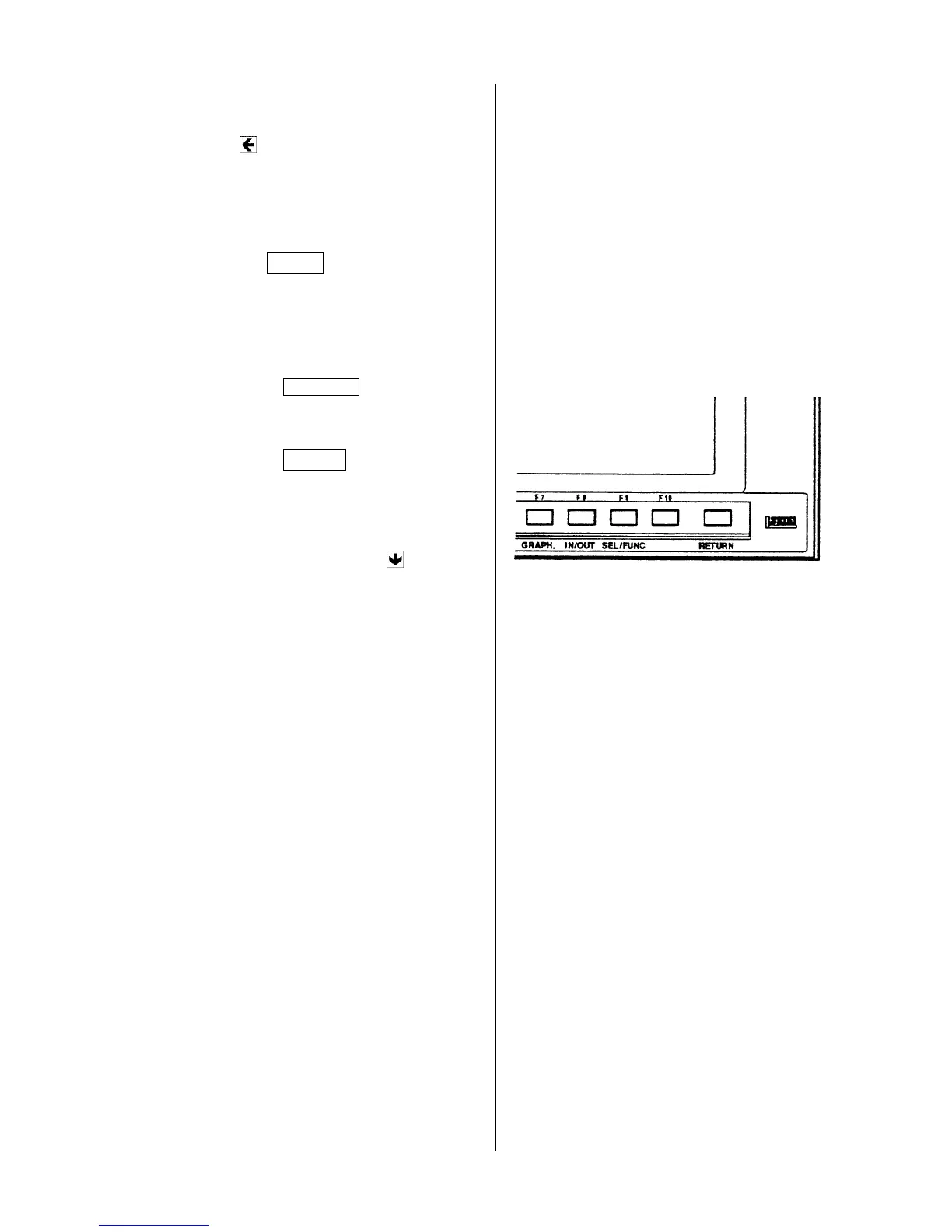
Press the RETURN key and make the
initial screen.
[2]
Press the F5/SET and display the
“Setting (Data)” screen.
[3] Make the “Rewriting of parameter”,
“Invid” by the cursor key .
[4] Set the memory key to “Lock”.



 To Next Page