| 3 - User manual
Changing the fan filter
The filter protects the fans from dust.
Check the filter from time to time and replace it to ensure safe operation and
sufficient cooling.
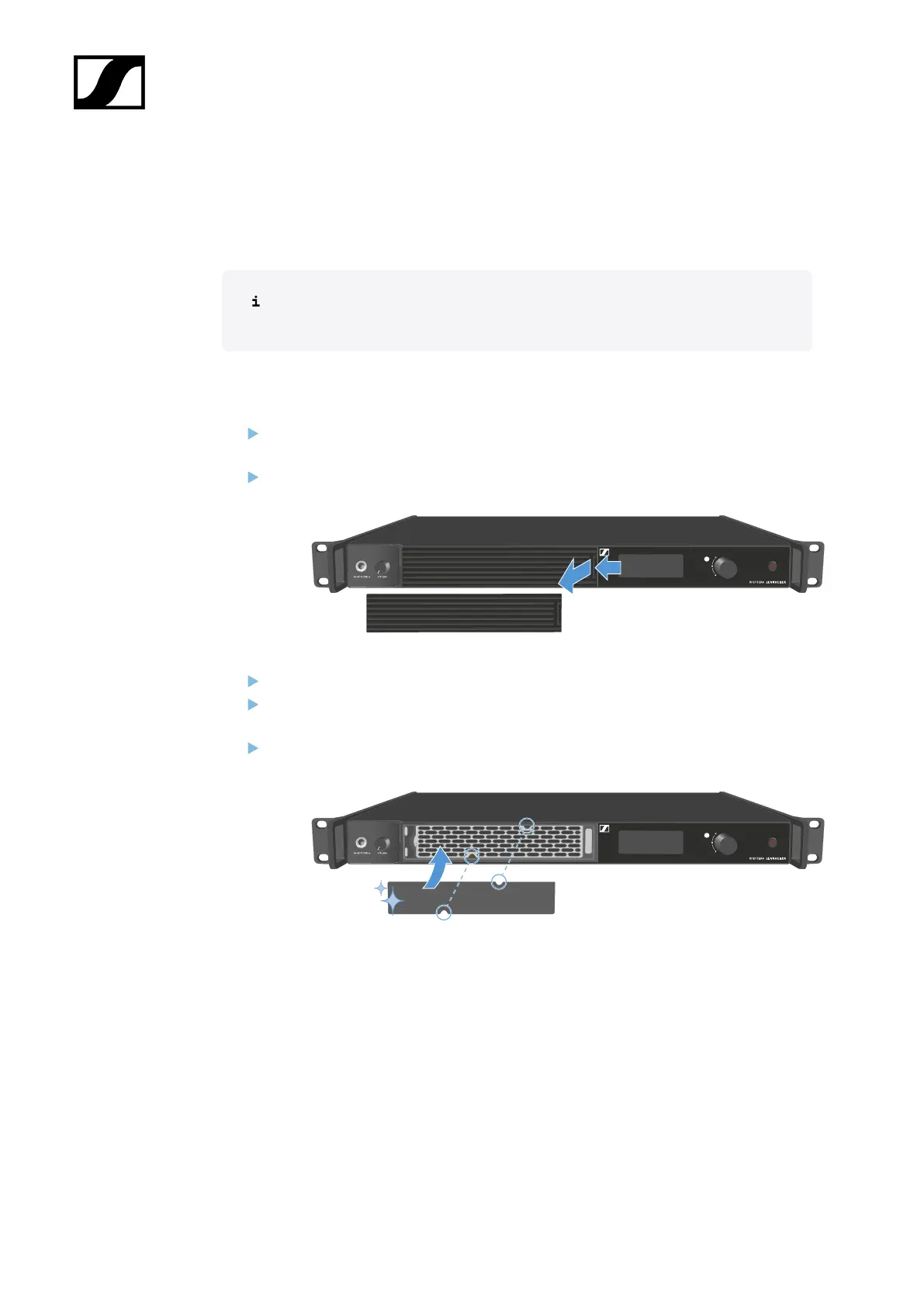
To change the filter:
Switch the Base Station into standby. See Switching the Base Station on and into
standby.
Push down the release and pull the cover forward at the same time.
Remove the filter and dispose it properly.
Place a new filter in the Base Station.
Information about new filter can be found here: Spectera Filter set.
Make sure that the recesses match those in the device.
46













 To Next Page