| 3 - User manual
Information on the display
You can view the following information on the SEKs display.
The display will stay on when the device is switched off or the battery has been
removed.
The order of the displayed information changes depending on the setting.
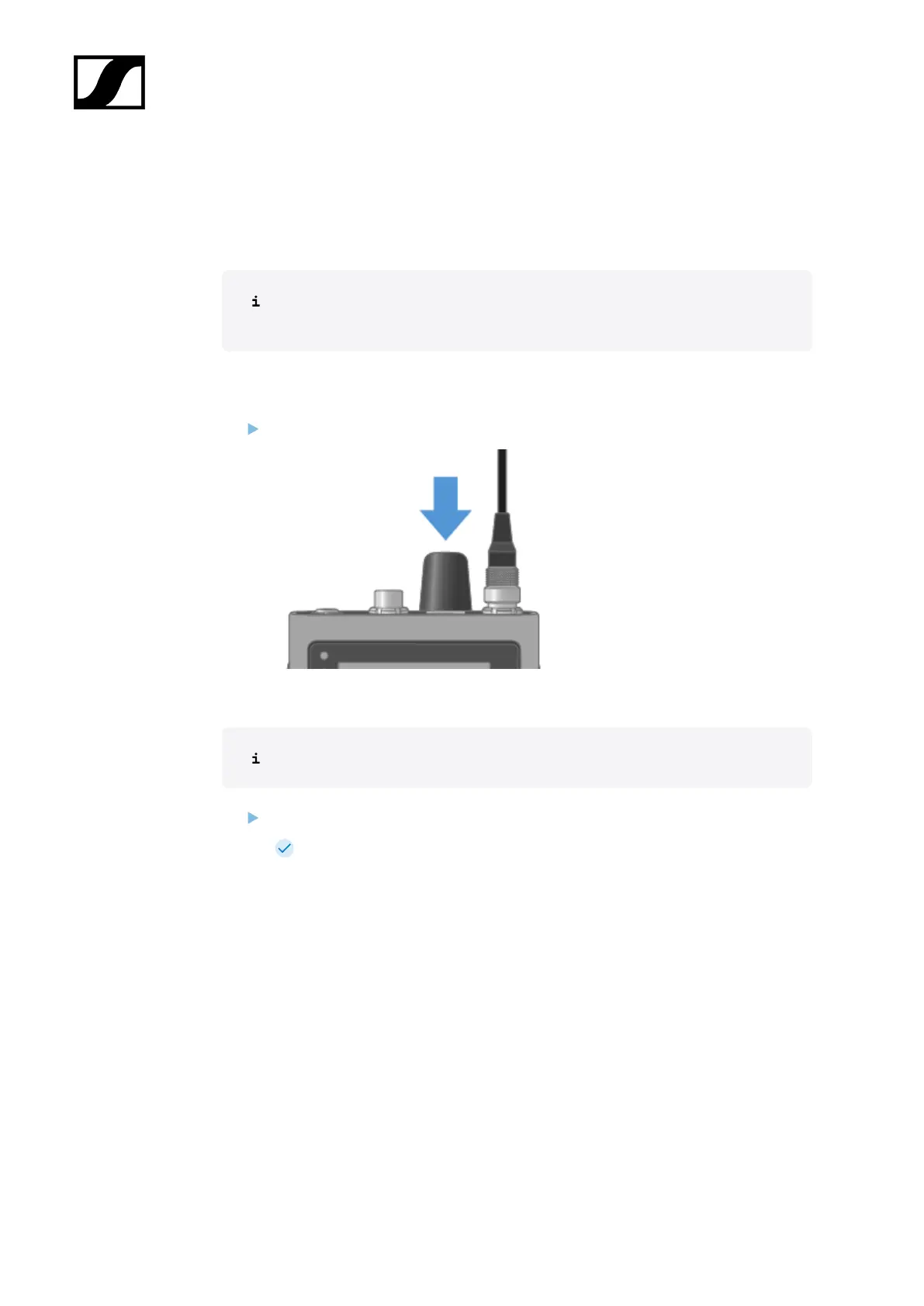
Press the rotary encoder to navigate through the menu.
To turn on the backlight:
No microphone or headphone is connected.
Press the rotary encoder.
The backlight is on for five seconds.
90













 To Next Page