| 3 - User manual
Menu structure
In the Base Station menu, you can configure a few settings.
More options and other parameters are available in LinkDesk and Spectera
WebUI!
The following settings can be changed:
Mute/Unmute the RF-Channels
• Main menu
Change the IP mode
• Network
Select the audio source for the headphone
• Headphone
Reset the Base Station
• Reset
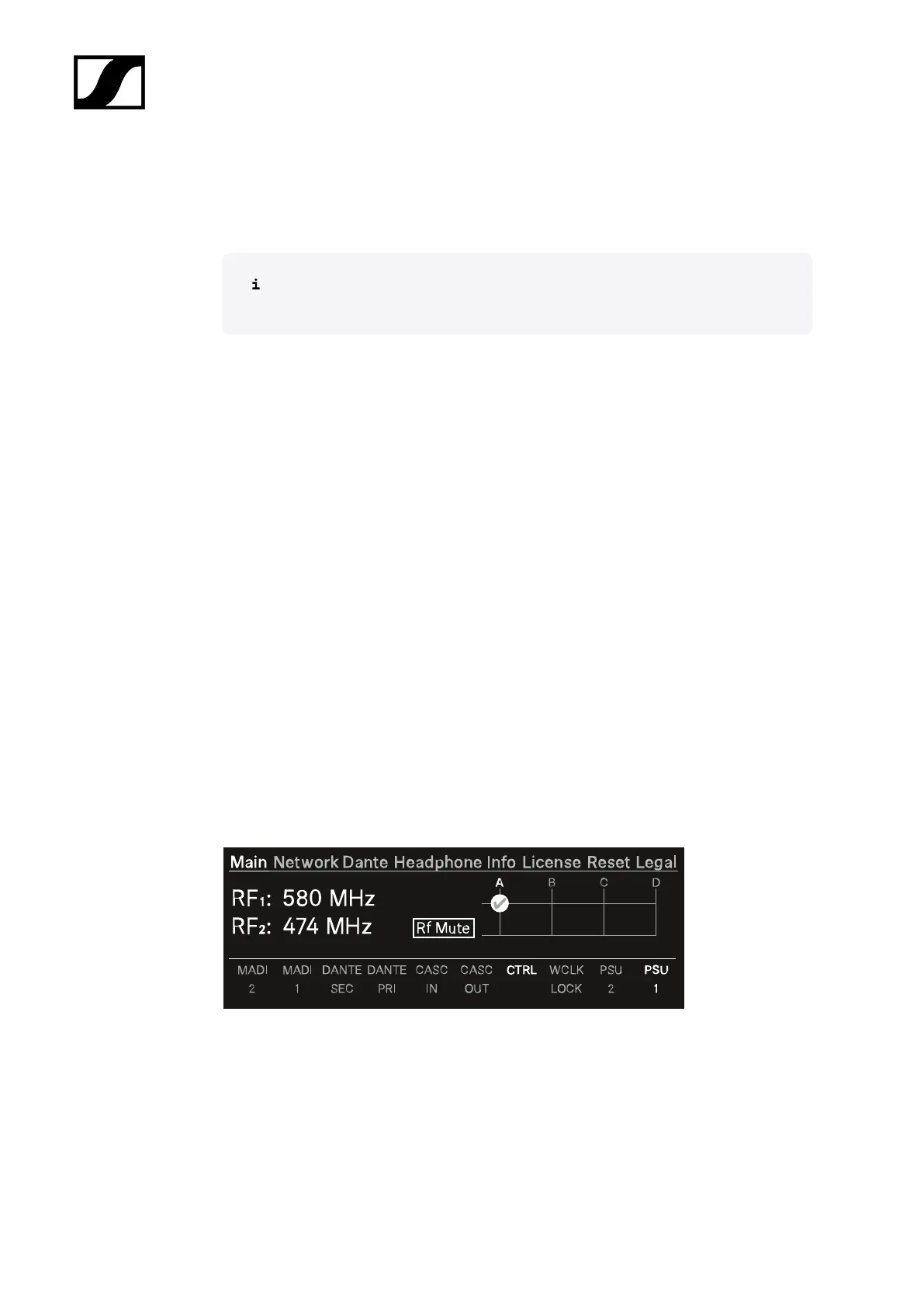
Main menu
In this menu item, you can view information about connections.
In the upper part you can view information about the RF channel:
• The selected frequency
• The state of the antenna (mute, active)
• Which antenna port is used for the RF channel.
56













 To Next Page