| 3 - User manual
In the lower part you can view information about the used connection:
• Connected ports are highlighted.
• The order corresponds to the ports on the back.
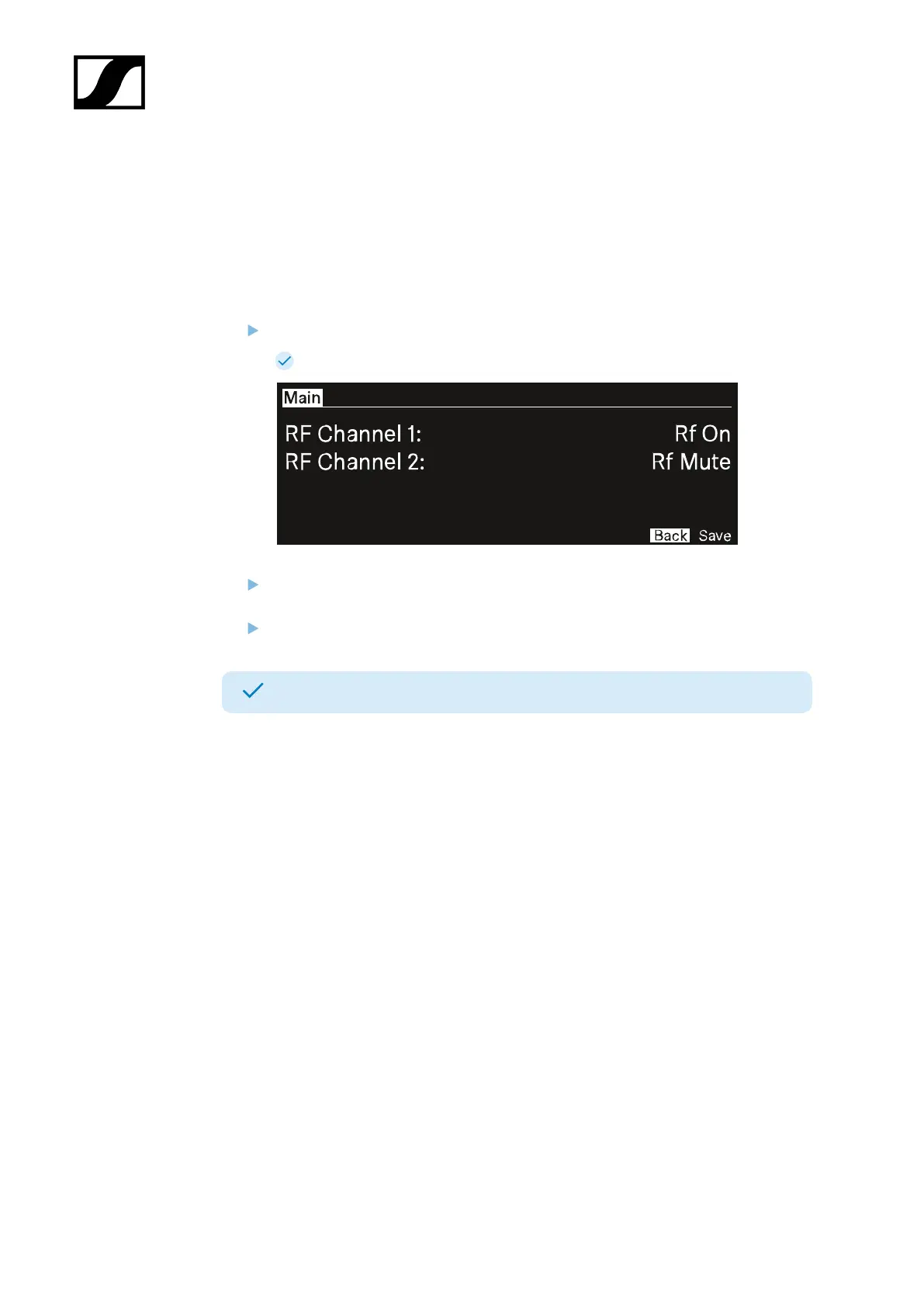
To mute/unmute the RF channel:
Press the jog-dial.
The RF Status menu opens.
Rotate and press the jog-dial to change the settings.
You can select between Rf on and Rf Mute.
Confirm by selecting Save or discard the changes by selecting Back.
The RF Channels have been muted/unmuted.
57













 To Next Page