| 3 - User manual
Meaning of the LEDs
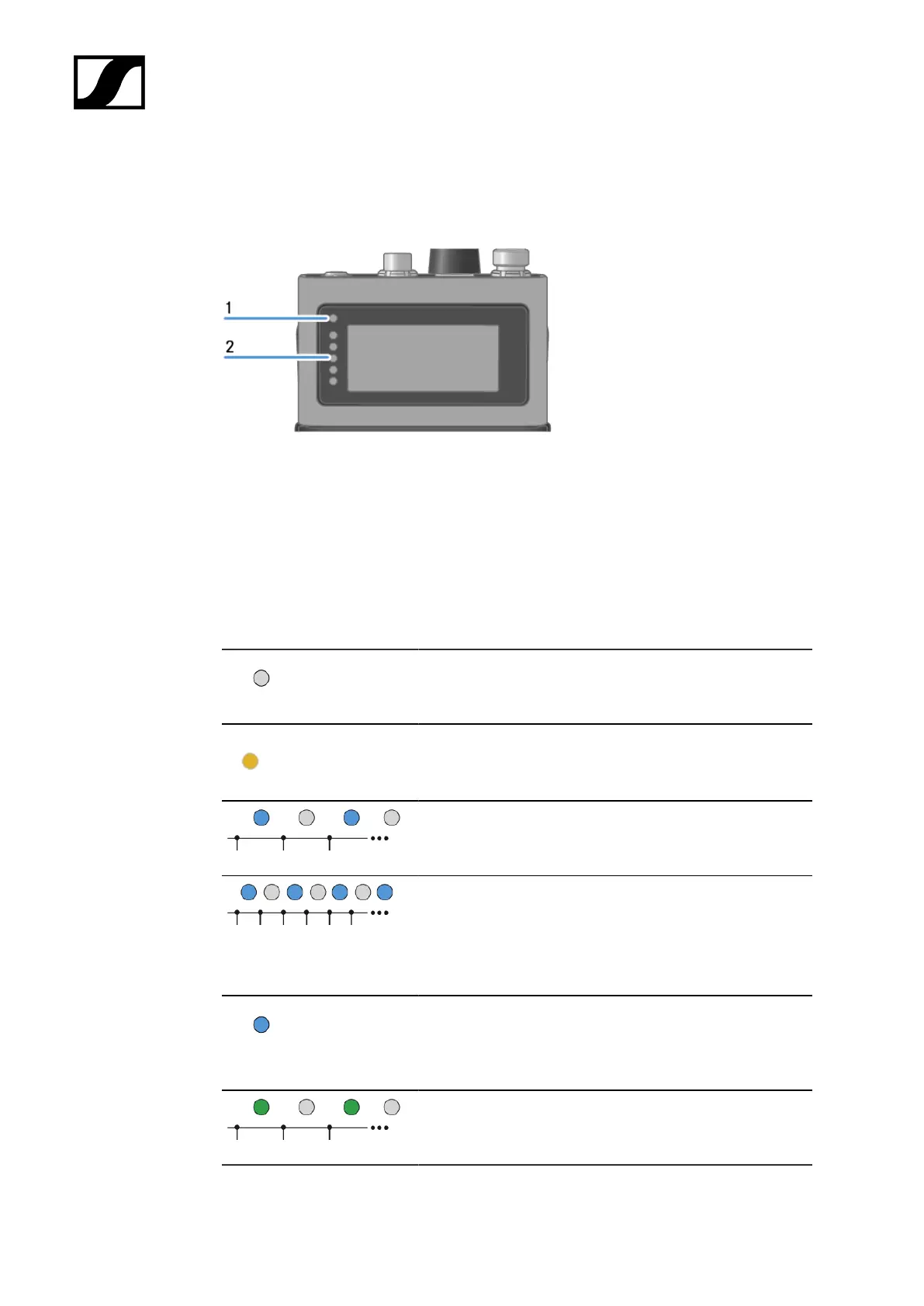
The Status LED and LEDs can indicate the following information.
1 Status LED
2 LEDs
Status LED
The Status LED provides information about the status between the SEK and Base Station, as
well as status information for the SEK.
The LED is off:
• SEK is switched off
The LED is orange:
• SEK is starting
The LED is flashing blue:
• Searching for a new Base Station to pair
The LED is flashing blue quickly:
• Pairing to new Base Station is in progress
• SEK turns off after five minutes, when no Base
Station was found
The LED is blue:
• Connected to new Base Station, waiting for
confirmation
The LED is flashing green:
• SEK is searching for previously paired Base Station
86













 To Next Page