| 3 - User manual
Connecting audio via Dante®
You can input and output audio via Dante®.
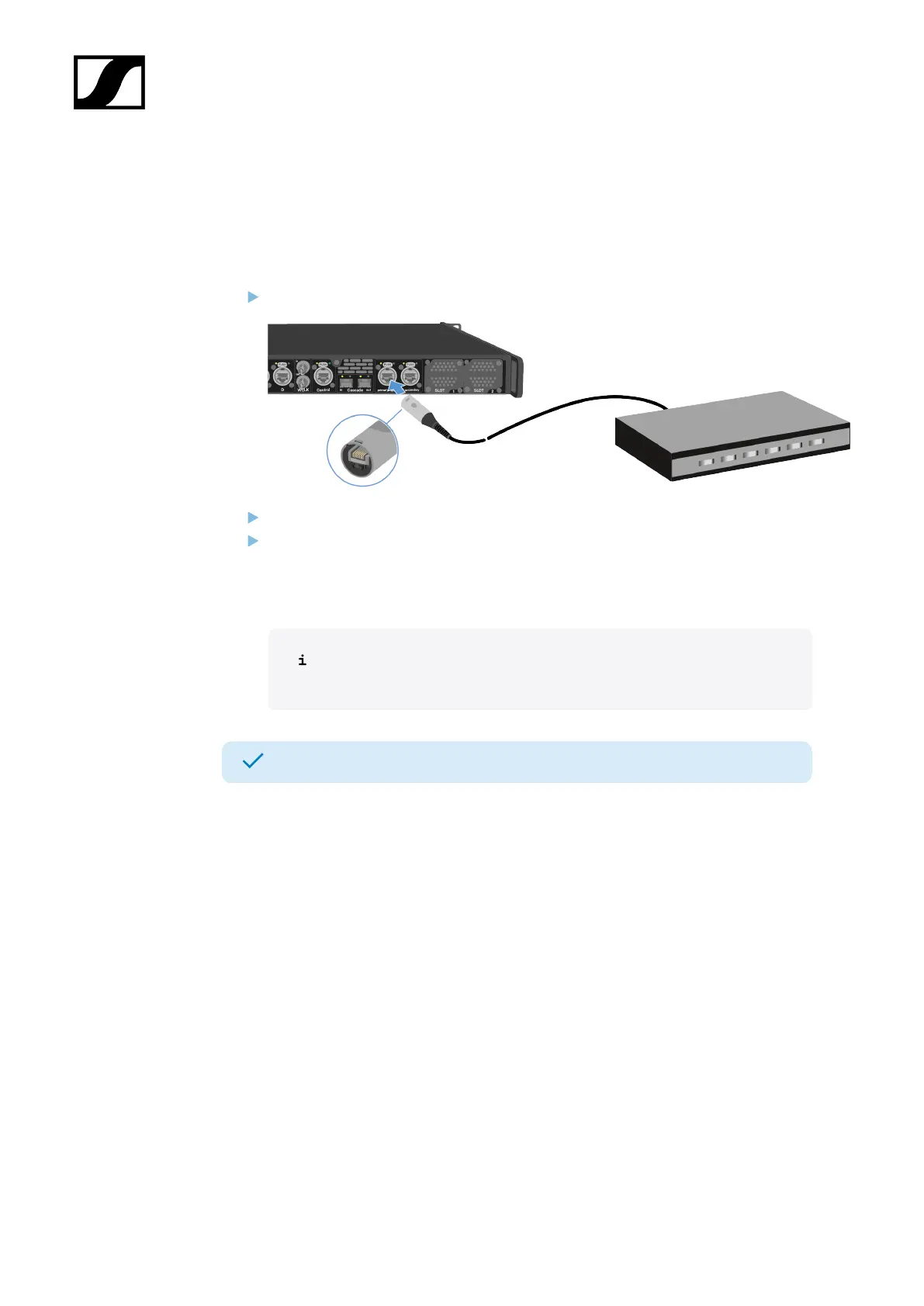
To connect audio via Dante®:
Plug one side of a ruggedized RJ45 cable to the Dante® primary socket.
Plug the other side into a router.
Download the Dante® Controller.
This is typically a host computer (PC or Mac), with the Dante® Controller software
application installed. This application configures and controls all the Dante® devices
and audio streams inside the network.
Information about the Dante Controller and the Dante® network protocol
settings is available on the Audinate website: audinate.com.
The Base Station can input and output audio via Dante®.
Shared network mode
42













 To Next Page