| 3 - User manual
Information on the display
Basic information are shown on the display.
The display goes into screen saver after some time.
You can wake up the display by pressing or turning the jog-dial.
The display shows the operating menu, which can be used to configure a few settings (see
Menu structure).
More options and other parameters are available in LinkDesk and Spectera
WebUI!
To navigate the menu, see Navigating the menu.
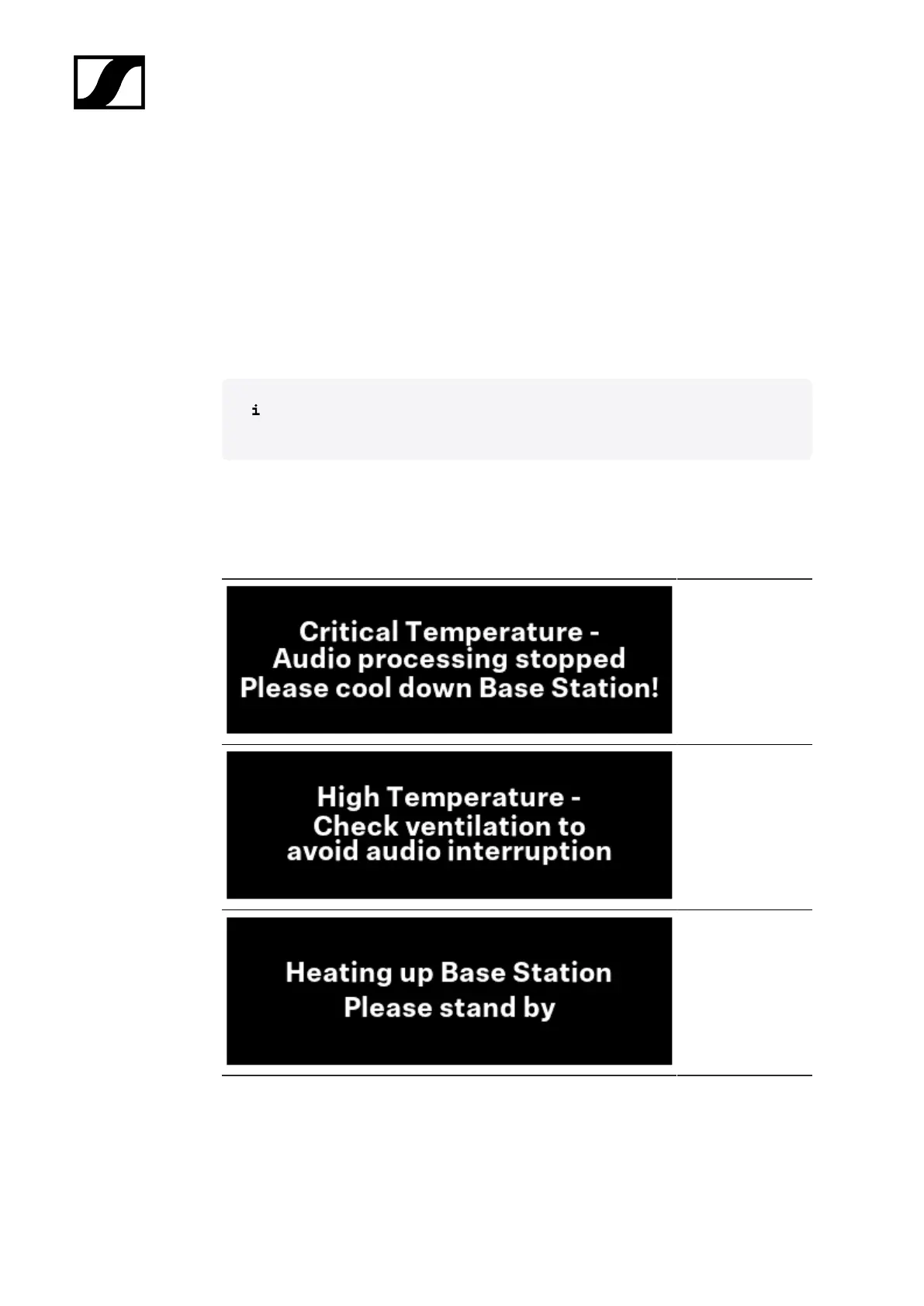
Status messages
In certain situations, status messages may appear on the display.
Error - The
temperature
is critical. The
audio processing
stopped. Cool down
the Base Station.
Warning - The
temperature is
high. Check the
ventilation to avoid
audio interruption.
Warning - The
temperature is low.
The Base Station is
heating up. Please
standby.
54













 To Next Page