| 3 - User manual
Using the headphone output
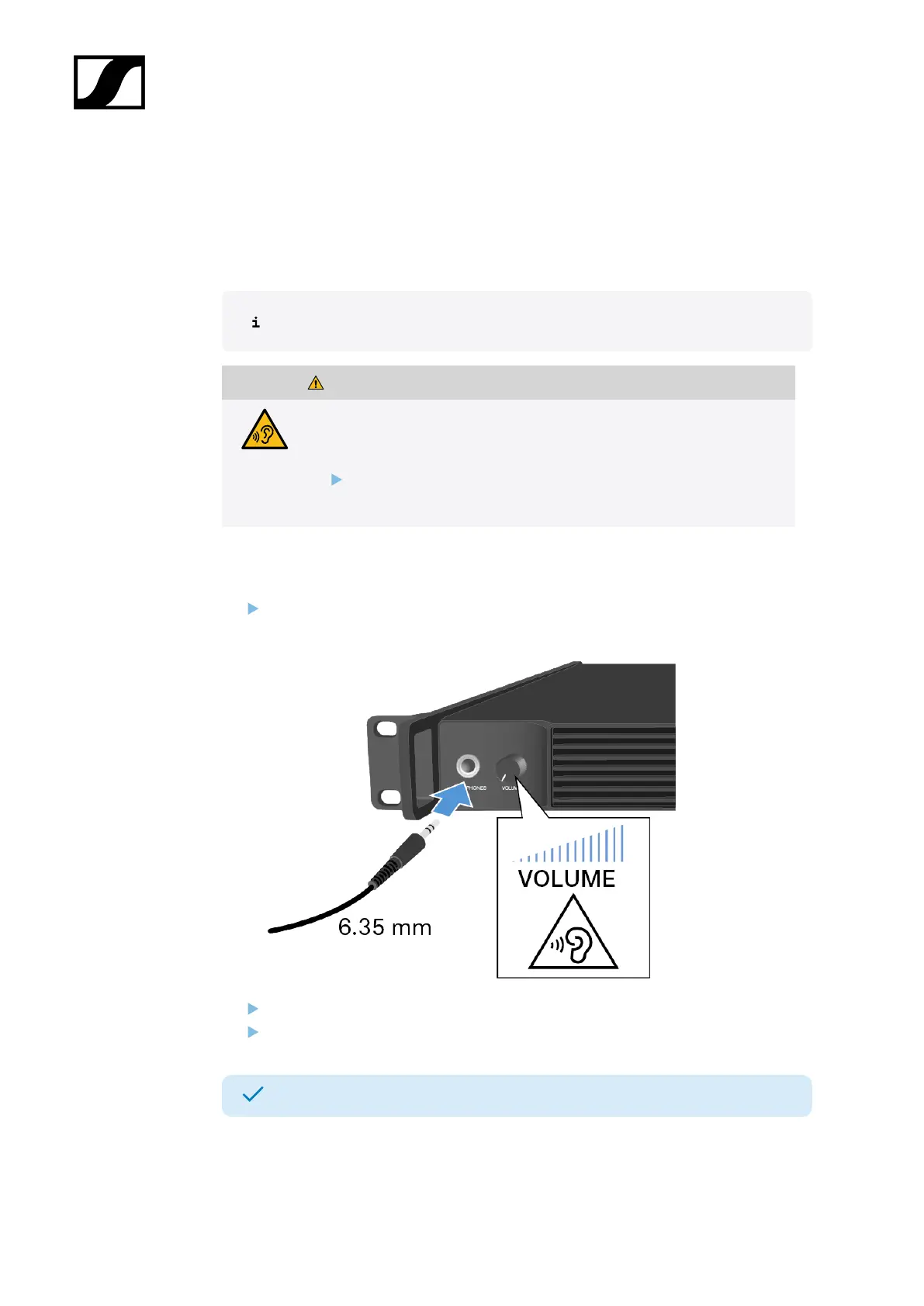
You can use the headphone output on the front of the Base Station (6.35 mm jack) to listen
to the audio signals of the channels.
First you have to set up audio links in LinkDesk or Spectera WebUI.
WARNING
Danger due to high volume levels
Volume levels that are too high may damage your hearing.
Turn down the volume of the headphone output before you put on
the headphone.
To listen to an audio source:
Connect the headphone to the HEADPHONES socket.
You can select the audio source here: Headphone.
Control the volume by turning the VOLUME control next to the HEADPHONES socket.
You can now listen to the selected audio source.
52













 To Next Page