| 3 - User manual
Headphone
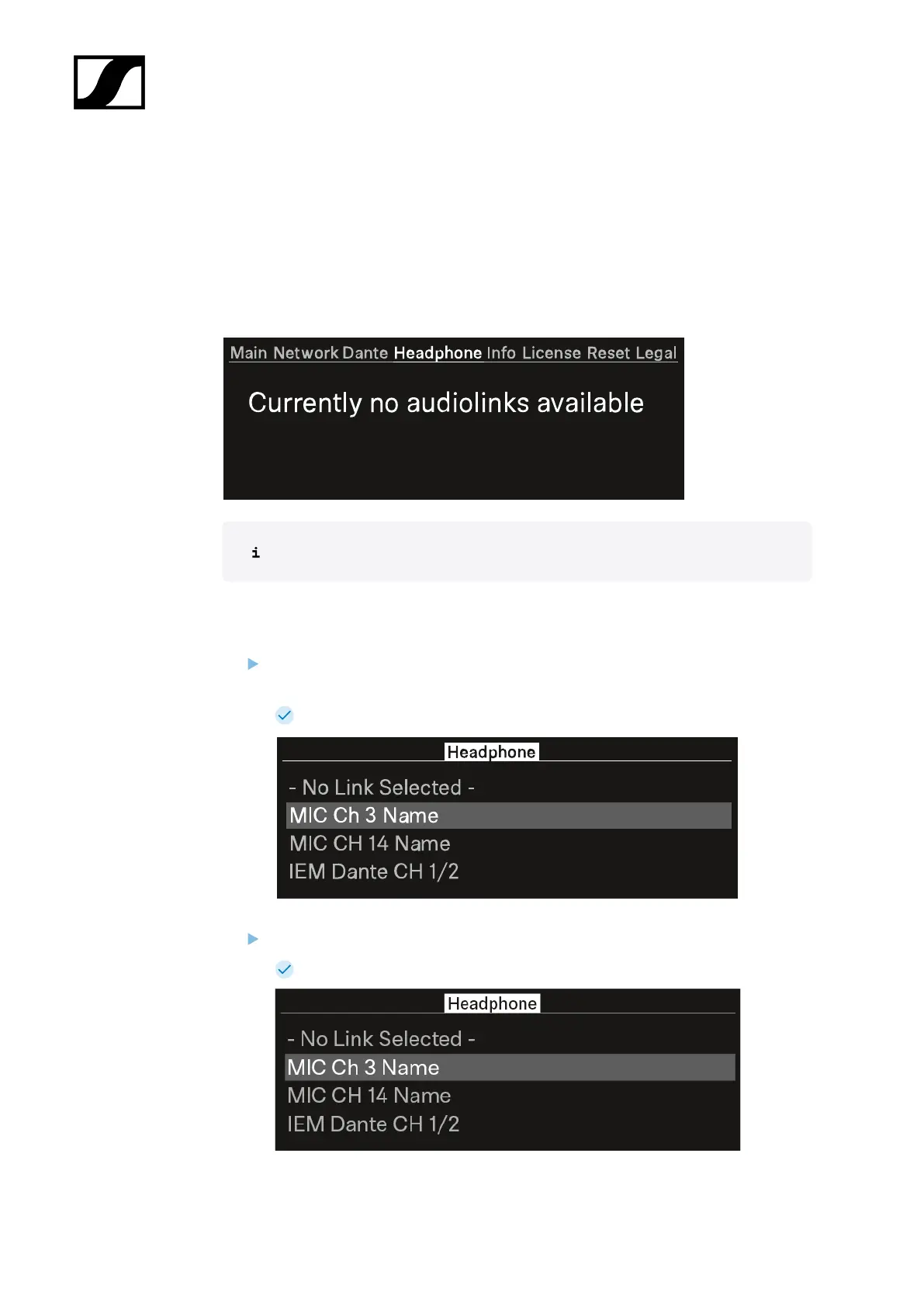
In this menu item, you can select the headphone output.
You have to set up audio links via LinkDesk or Spectera WebUI for the mobile devices.
If no audio link is set this note will appear:
First you have to set up audio links in LinkDesk or Spectera WebUI.
To select an audio link:
Press the jog-dial to enter the headphone menu.
Each audio output will be shown independent.
The created audio links appear.
Turn the jog-dial to select the wanted audio link.
The name of the selected link pulses two times.
60













 To Next Page