| 3 - User manual
Dante
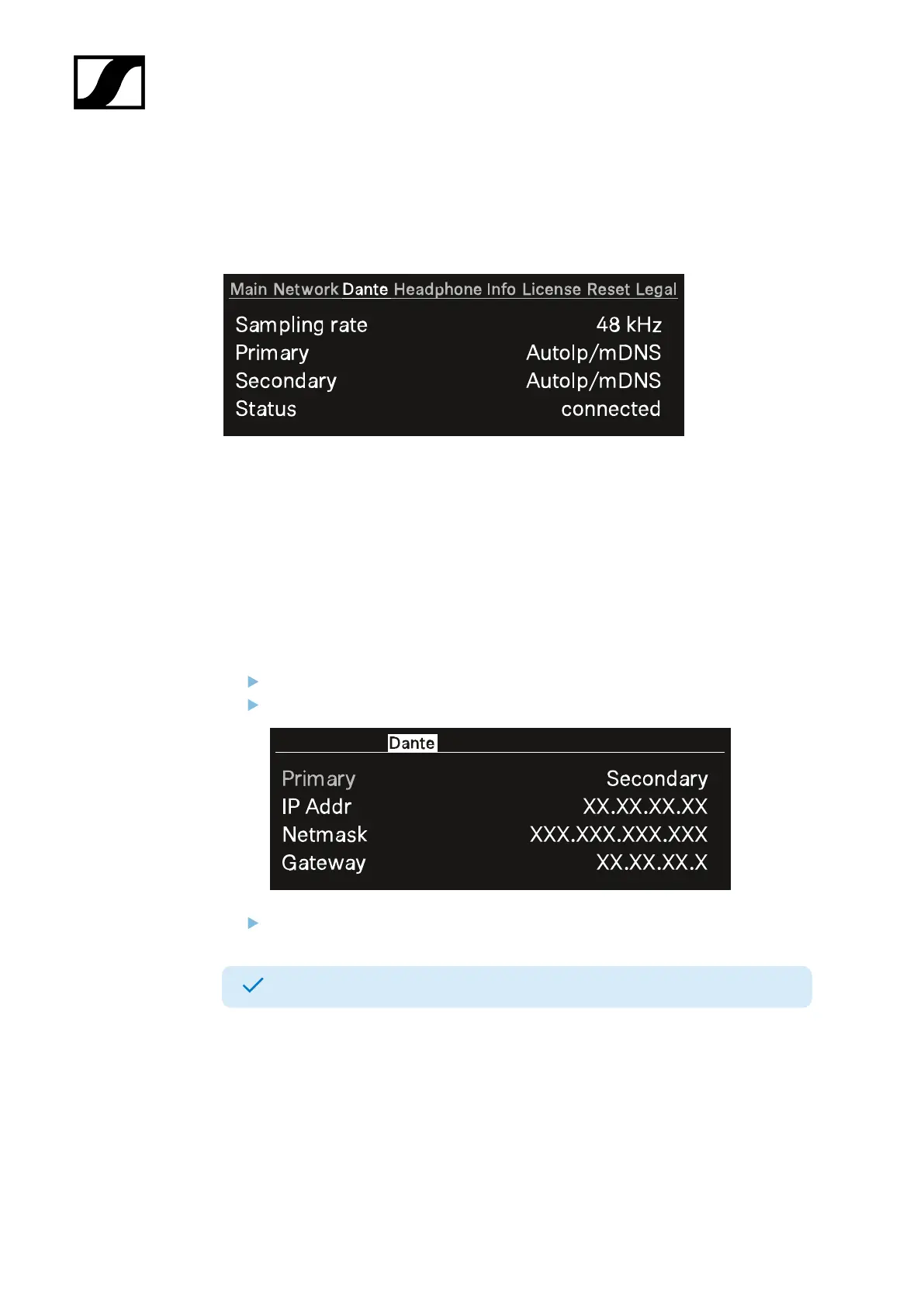
In this menu item, you can view information about the two Dante® connections.
The following information are displayed:
• Sampling rate
• IP mode for Primary
• IP mode for Secondary
• Status
To display a Dante® connection:
Press the jog-dial to change the Dante® connection.
Rotate the jog-dial to change between Primary and Secondary.
Press the jog-dial to enter the setting.
The selected Dante® connection is displayed.
59













 To Next Page