| 3 - User manual
Switching the SEK on and off
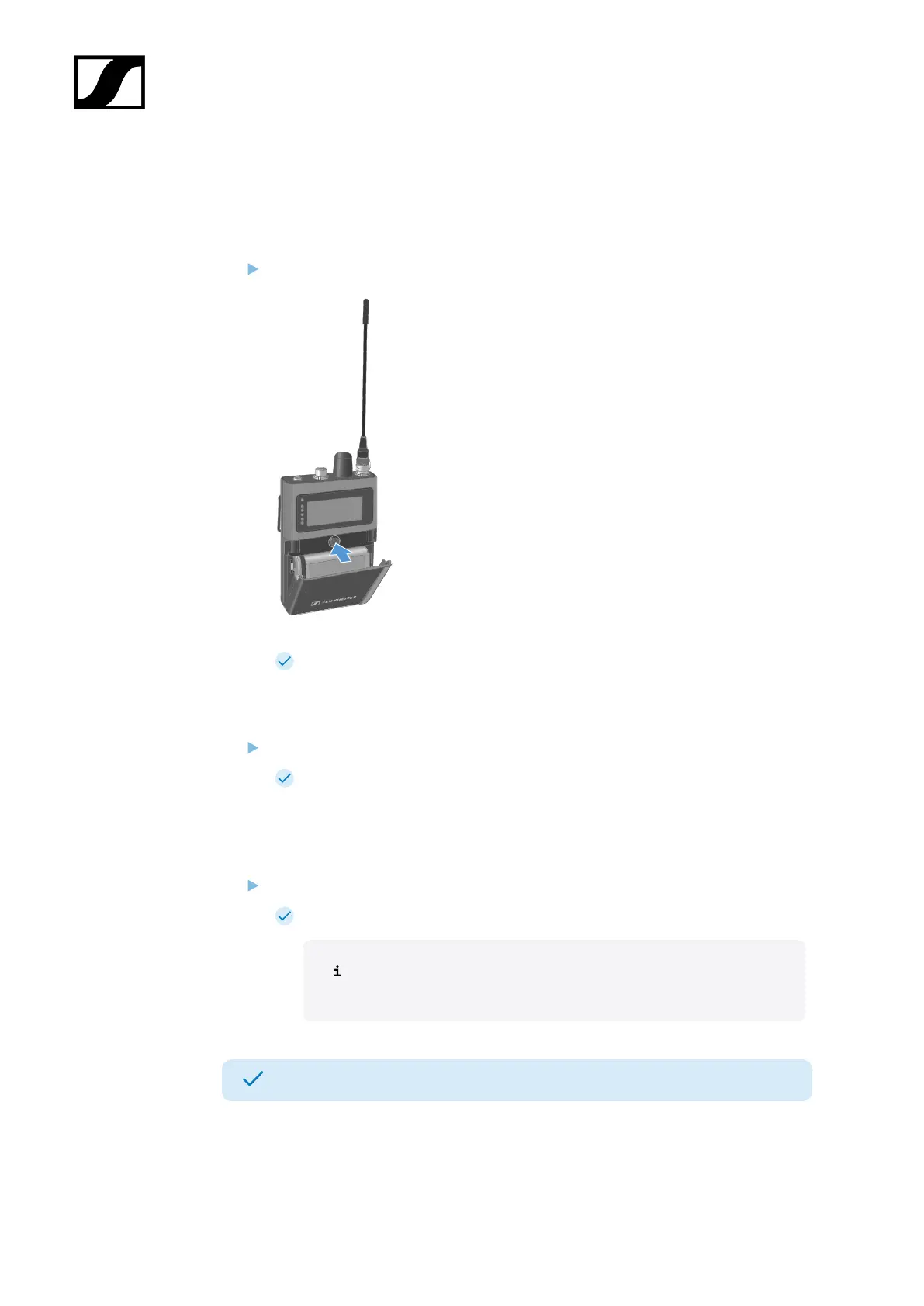
To switch the SEK on:
Short-press the ON/OFF button.
The SEK is starting. The status LED is orange.
To put the SEK in pairing mode:
When the SEK is off, long press the ON/OFF button.
The SEK is searching for a new Base Station to pair. The status LED is flashing
blue.
To switch the SEK off:
Short-press the ON/OFF button.
The status LED goes off.
The display will stay on when the device is switched off or the
battery has been removed.
The SEK has been switched on/off.
When the SEK is unpaired via the software (LinkDesk or Spectera WebUI), the SEK will
automatically switch into pairing mode. The status LED is flashing blue.
89













 To Next Page