| 3 - User manual
The LED is flashing green quickly:
• SEK is connecting to previous paired Base Station
The LED is green:
• SEK is on
• SEK is connected to the Base Station
The LED is flashing white
• Identify of SEK is in progress
The LED is flashing green and red:
• Firmware update is in progress
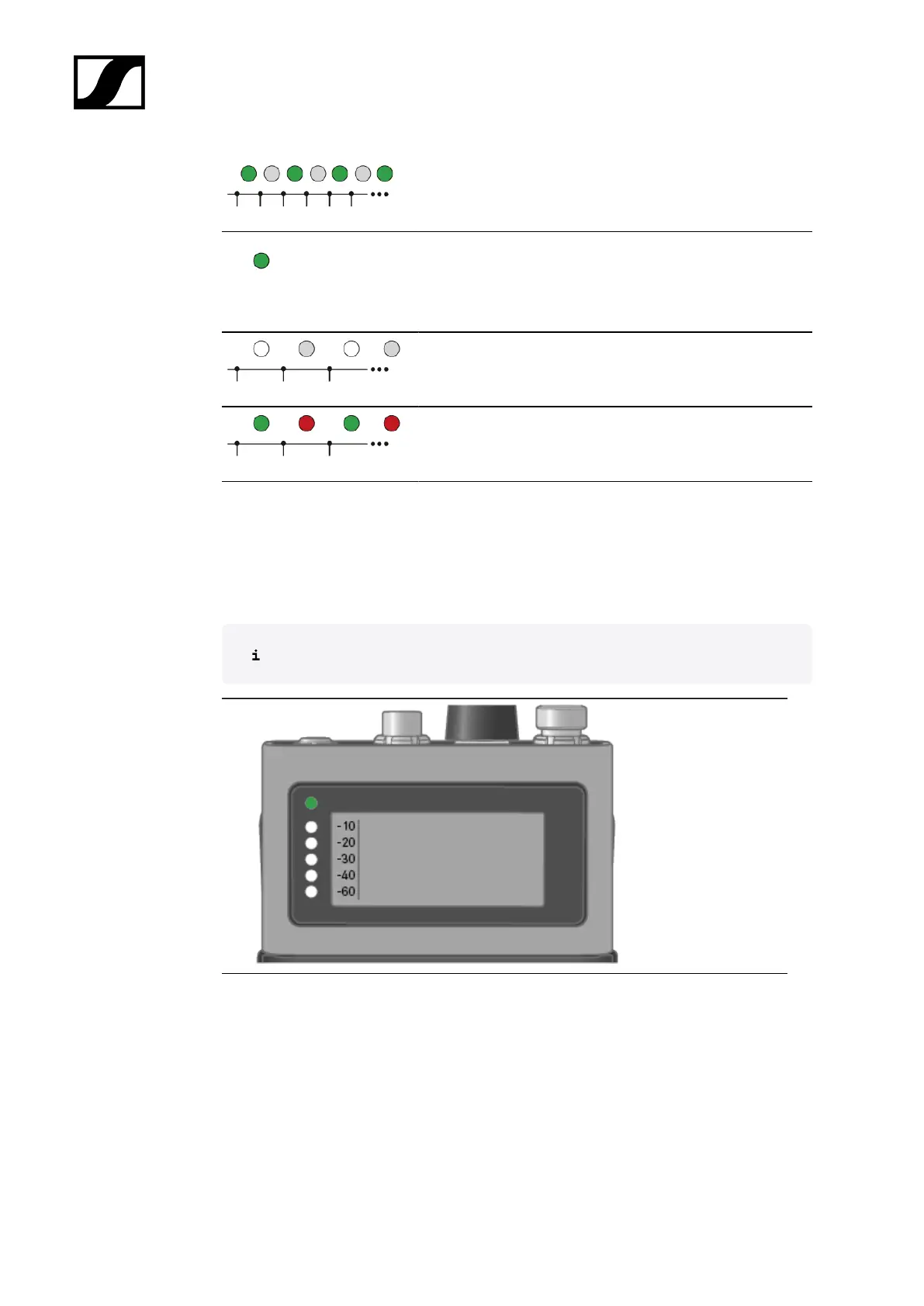
LEDs
The LEDs provide information about the mic line input level, if a microphone or instrument is
connected to the SEK.
You have to set up an audio link in LinkDesk or Spectera WebUI.
87













 To Next Page