3.3. CONNECTING TO THE ASTERX-U VIA THE WEB INTERFACE
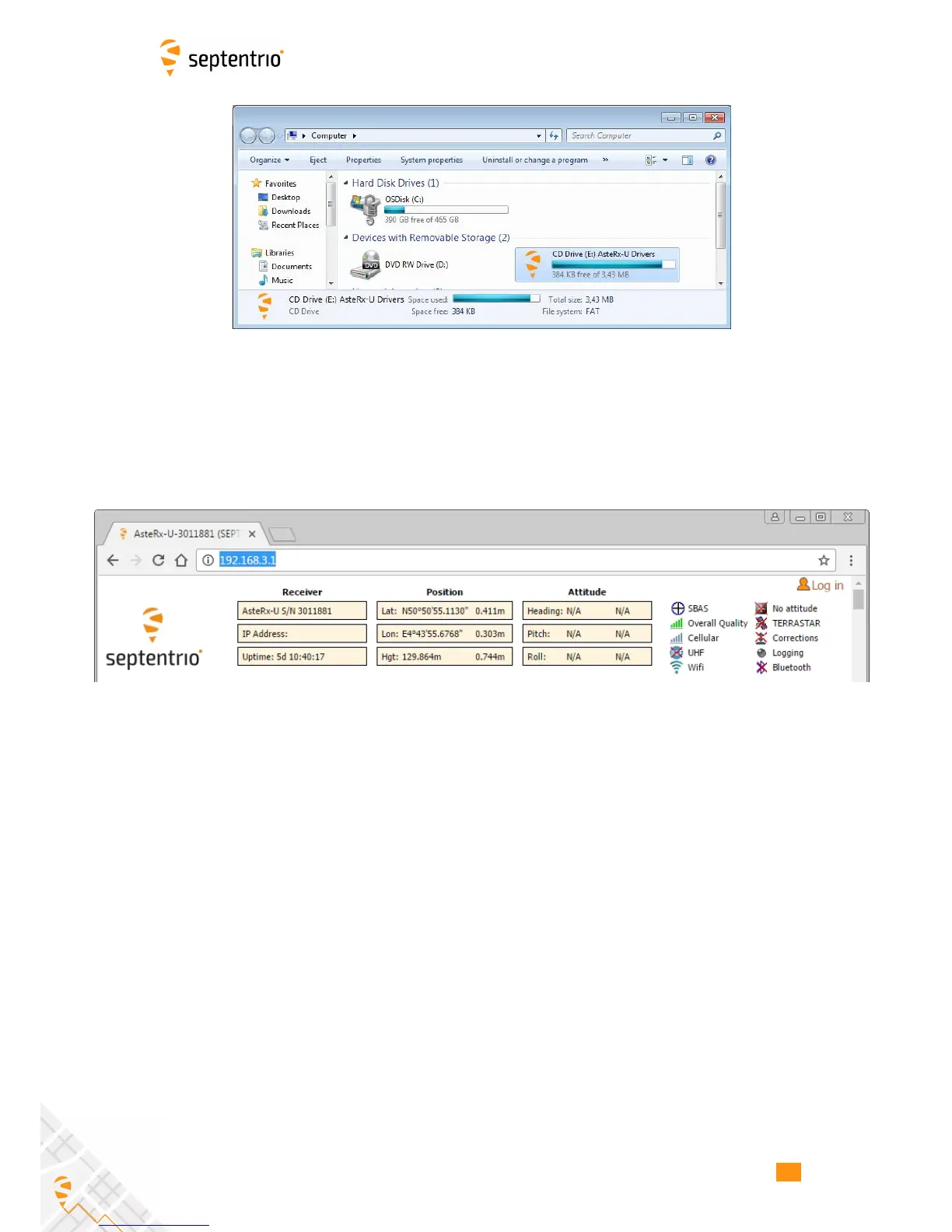
Figure 3-5: Screenshot showing USB connection after driver installation
The USB connection on the AsteRx-U functions as network adapter and the DHCP server
running on the receiver will always assign the AsteRx-U the IP address 192.168.3.1.
To connect to the AsteRx-U, you can then simply open a web browser using the IP address
192.168.3.1 as shown in Figure 3-6.
Figure 3-6: Connect to the Web Interface of the AsteRx-U over USB using the IP
address 192.168.3.1 on any web browser
18



 To Next Page