7.4. HOW TO UPGRADE THE FIRMWARE OR UPLOAD A NEW PERMISSION FILE
7.4 How to upgrade the firmware or upload a
new permission file
The AsteRx-U firmware and permission files both have the extension .suf (Septentrio
Upgrade Format) and can be uploaded to the AsteRx-U as shown in the steps below.
Firmware upgrades can be downloaded from the Septentrio website and are free for the
lifetime of the receiver. Permission files enable additional features on the AsteRx-U and can
be purchased via our sales department.
Step 1: Select the .suf file and and start upgrade
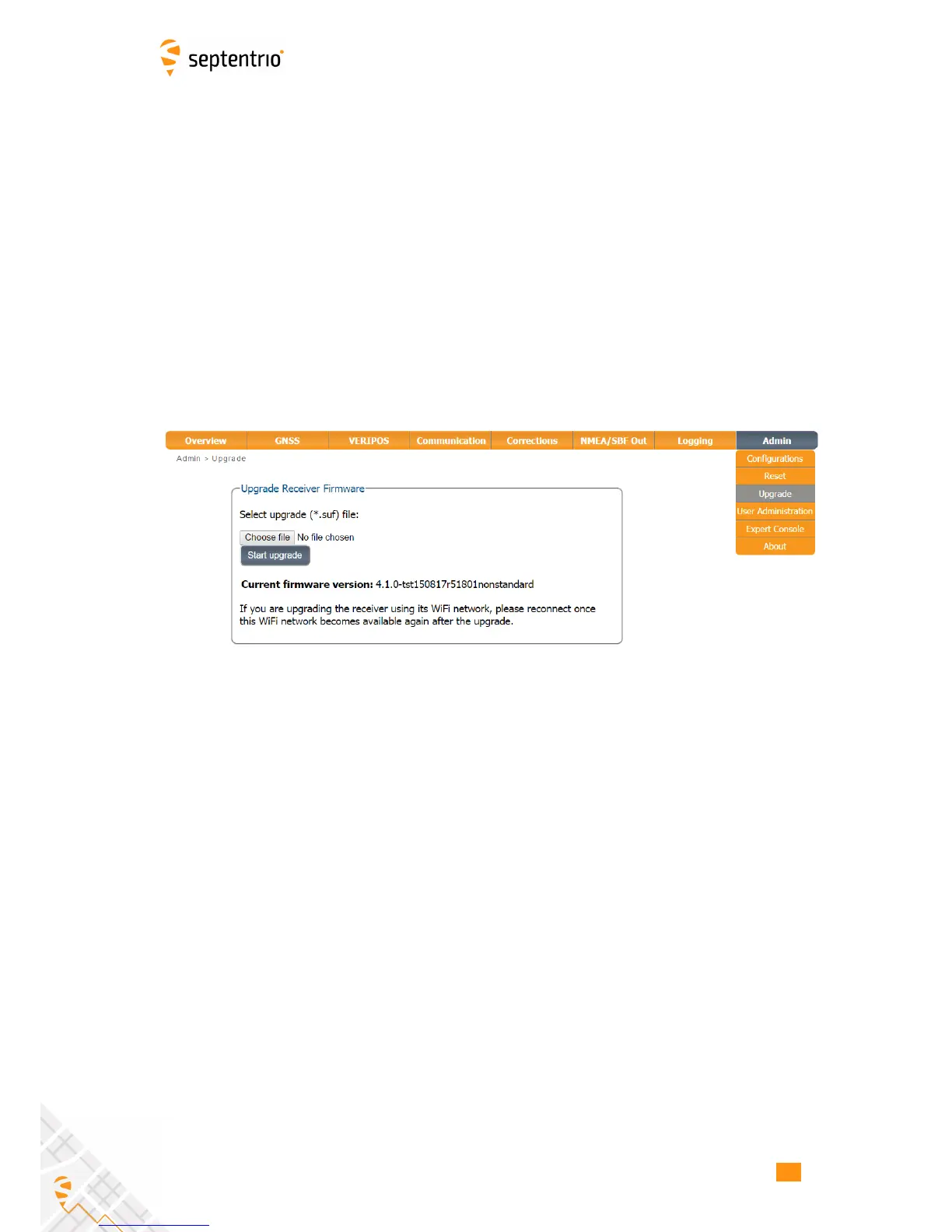
The upgrade procedure is started by clicking on Choose file in the Admin Upgrade tab as
shown in Figure 7-5.
Figure 7-5: The AsteRx-U upgrade window
After saving the .suf file to your pc, you can then select this file, start the upgrade and follow
its progress as shown in Figure 7-6 .
72



 To Next Page