4.1. HOW TO CONFIGURE THE ASTERX-U FOR RTK
4.1.2 How to configure the AsteRx-U in RTK rover
mode using the cellular modem and NTRIP
Step 1: Enable RTK mode
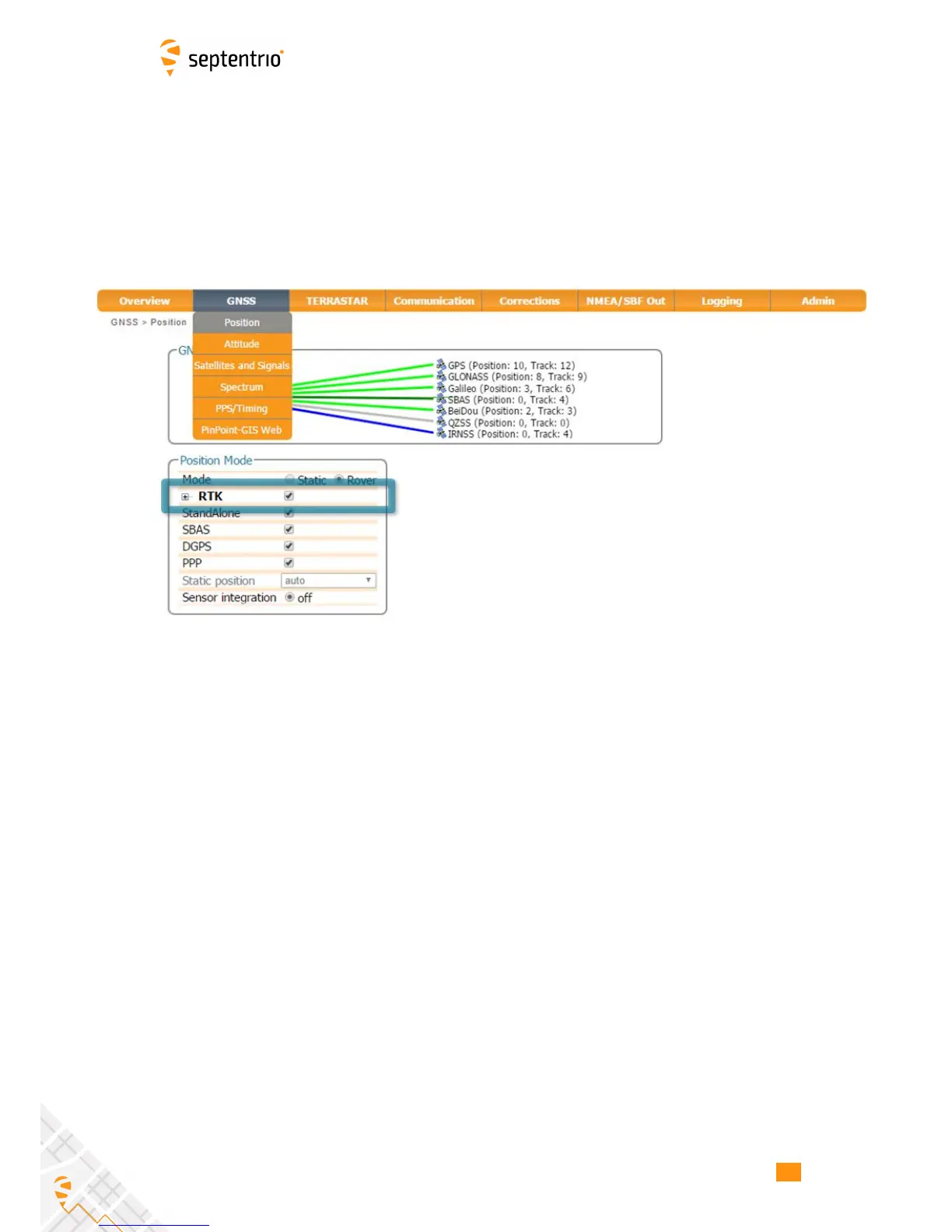
Ensure that RTK is be enabled as a positioning mode. This can be done in the GNSS, Position
tab by checking the ‘RTK’ box in the ‘Position Mode’ field as shown in Figure 4-4.
Figure 4-4: Ensure that RTK has been enabled as a positioning mode
35



 To Next Page