6.3. HOW TO LOG DATA FOR PROBLEM DIAGNOSIS
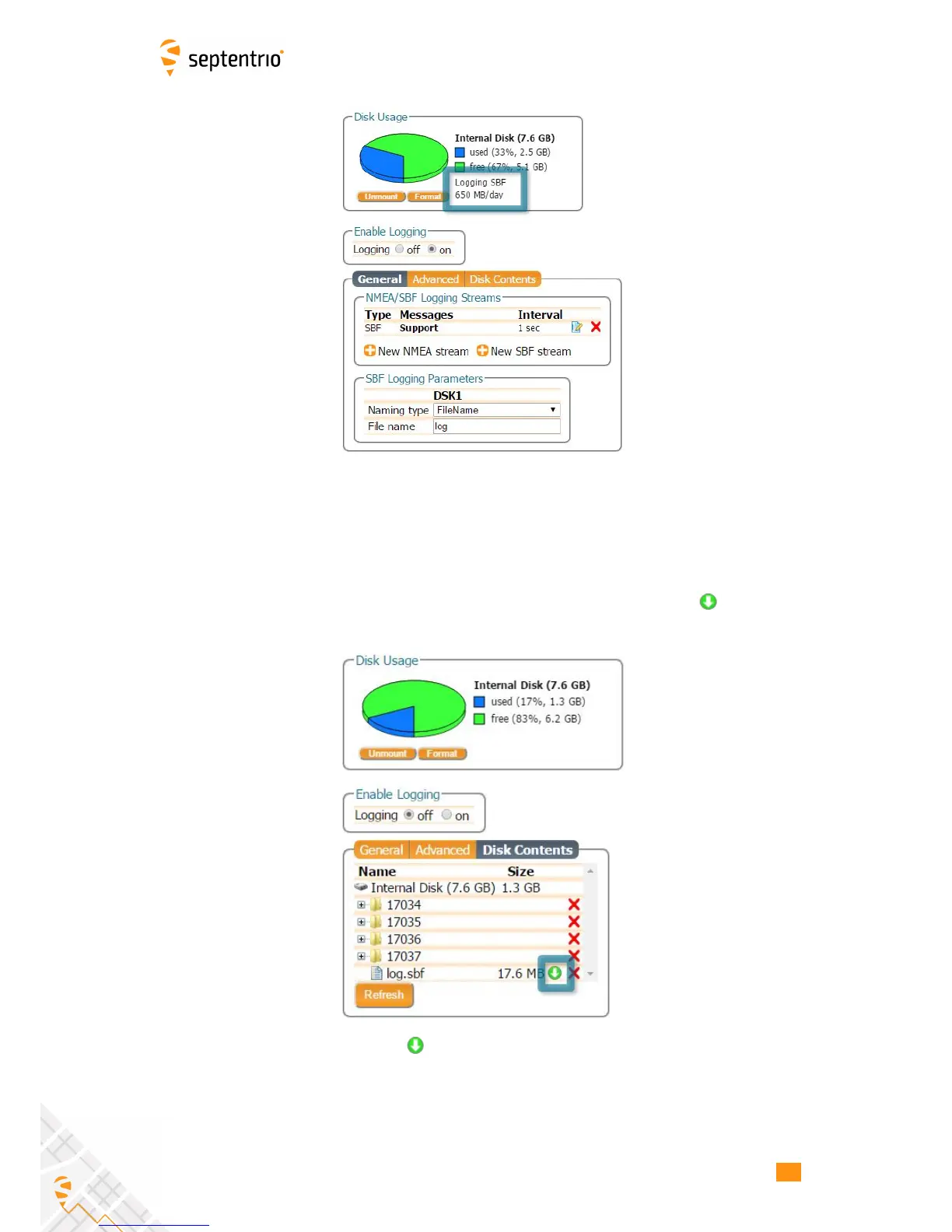
Figure 6-9: The Logging window showing an active logging session
Step 2: Downloading the logged SBF file
To download a data file logged on the AsteRx-U, click the download icon next to the
filename on the Disk Contents tab as shown in Figure 6-10
Figure 6-10: Click the icon next to the file you want to download
67



 To Next Page