Doc# E166703 5-26
5: Communicating with the Meter
Electro Industries/GaugeTech
The Leader In Power Monitoring and Smart Grid Solutions
Electro Industries/GaugeTech
The Leader In Power Monitoring and Smart Grid Solutions
Electro Industries/GaugeTech
The Leader In Power Monitoring and Smart Grid Solutions
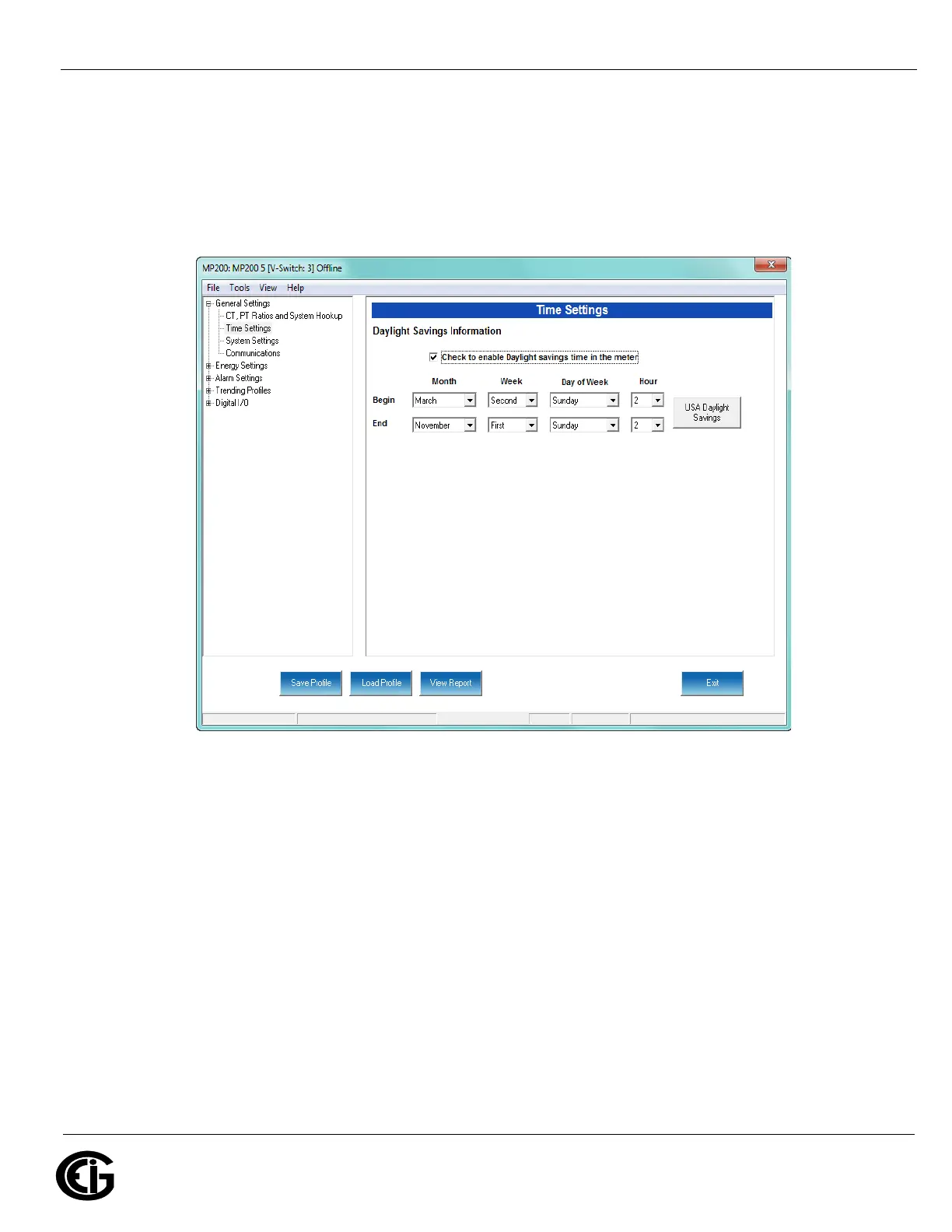
Time Settings
Use this setting to enable or disable Daylight Savings Time for the MP200 unit and to
set the beginning and ending times for Daylight Savings Time.
From the Tree Menu, click General Settings>Time Settings.
Check the box to enable Daylight Savings time, or un-check it to disable Daylight Sav-
ings Time.
Click the USA Daylight Savings button to fill the entry fields with the US DST begin-
ning and ending times, or use the entry fields to manually set the start and end times
for the Daylight Savings Time feature, if enabled.
NOTE: The Hour field uses a 24-Hour clock.
IMPORTANT! When you finish making changes to the Device Profile, click Update
Device to send the new Device Profile settings to the connected MP200 unit.



 To Next Page