Doc# E166703 10-17
10: Using the Optional Display
Electro Industries/GaugeTech
The Leader In Power Monitoring and Smart Grid Solutions
Electro Industries/GaugeTech
The Leader In Power Monitoring and Smart Grid Solutions
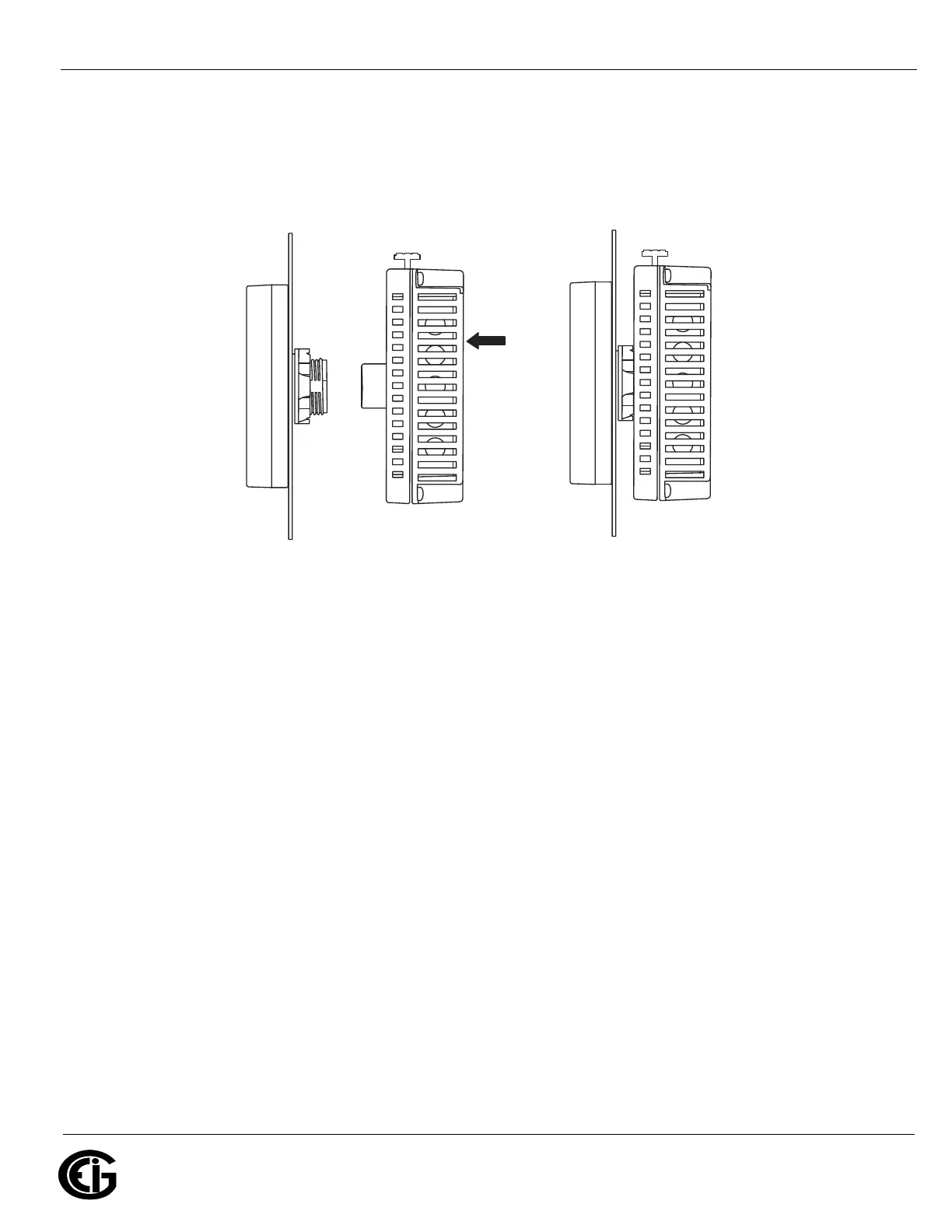
4. Insert and push the rear module until it locks into place.
NOTE: Install the display module and the rear module as shown in Figure 10.10,
below. If either unit is installed incorrectly, the connector may be damaged.
Figure 10.10: Connecting the Rear Module to the Display Module
Insert and
push
Free Locked



 To Next Page