Doc# E166703 10-30
10: Using the Optional Display
Electro Industries/GaugeTech
The Leader In Power Monitoring and Smart Grid Solutions
Electro Industries/GaugeTech
The Leader In Power Monitoring and Smart Grid Solutions
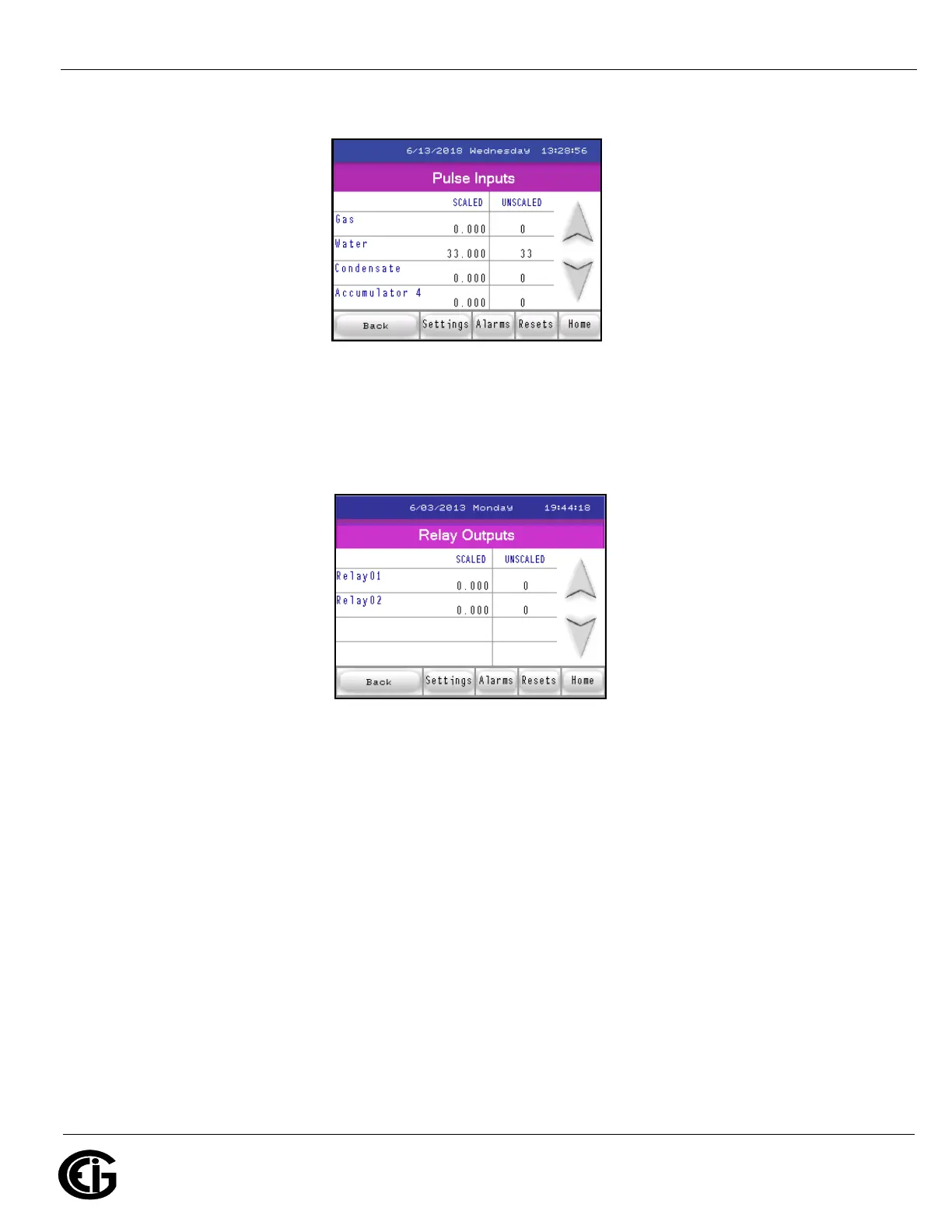
Pulse Inputs screen
Touch the down arrow to display the following screen.
Relay Outputs screen
This is the last Readings screen. From here you can:
• Touch the Back button to begin at the first screen of readings for the meter.
• Touch Settings to access the Settings screens (shown next).
• Touch Alarms to see the Alarm/Limits screens (continue on to read about these
screens).
• Touch Resets to reset the meter (continue on to read about these screens).
• Touch Home to choose another meter.



 To Next Page