Doc# E166703 10-31
10: Using the Optional Display
Electro Industries/GaugeTech
The Leader In Power Monitoring and Smart Grid Solutions
Electro Industries/GaugeTech
The Leader In Power Monitoring and Smart Grid Solutions
Settings Screens
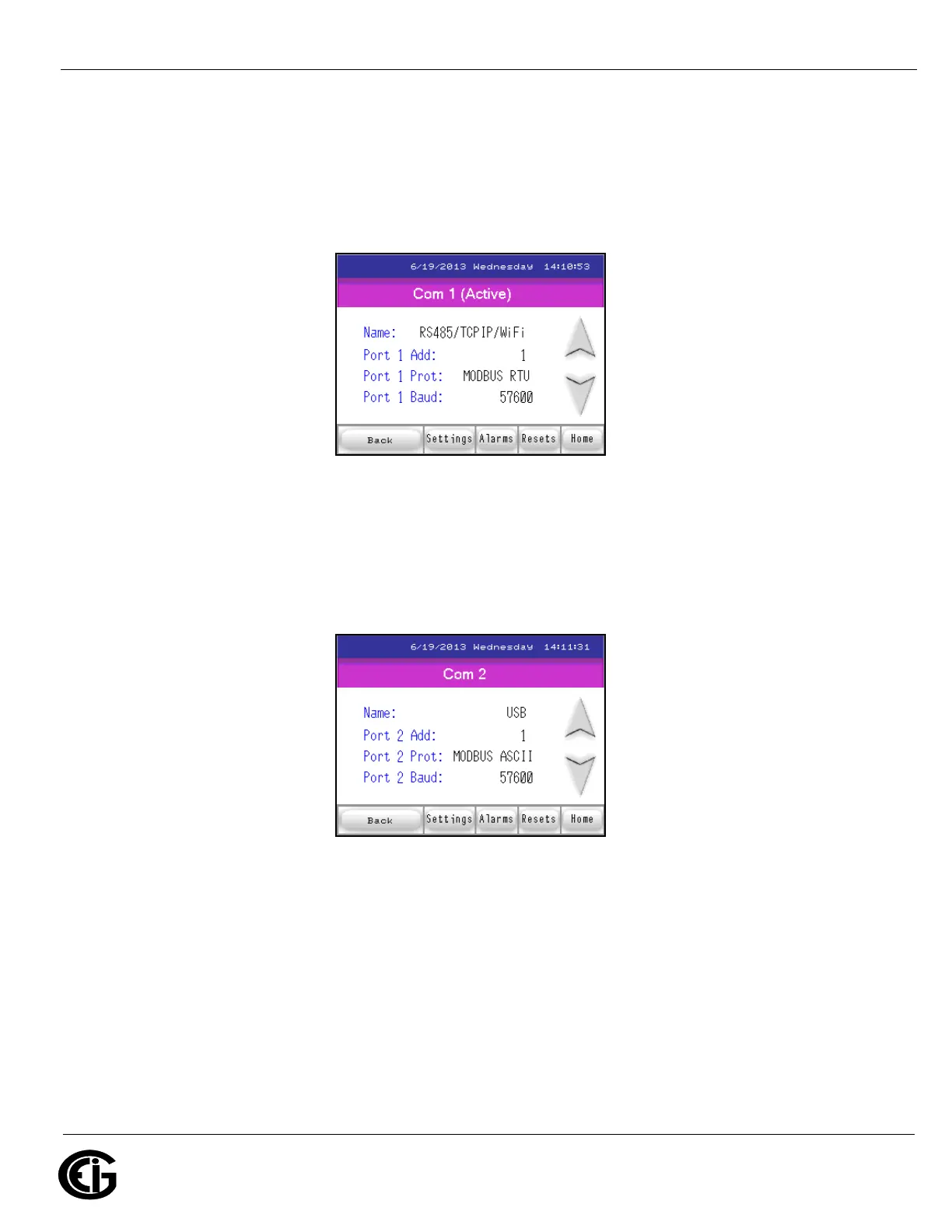
When you touch the Settings button, you see the screen shown below. It has the set-
tings for the MP200 unit’s Com 1.
Com 1 Settings for MP200 Unit
Touch the Down arrow to see the screen shown below, which displays the settings for
the MP200 unit’s Com 2.
Com 2 Settings for MP200 Unit
Touch the Down arrow to see the following, which displays the settings for the MP200
unit’s Com 3.



 To Next Page