Doc# E166703 10-34
10: Using the Optional Display
Electro Industries/GaugeTech
The Leader In Power Monitoring and Smart Grid Solutions
Electro Industries/GaugeTech
The Leader In Power Monitoring and Smart Grid Solutions
Alarms/Limits Screens
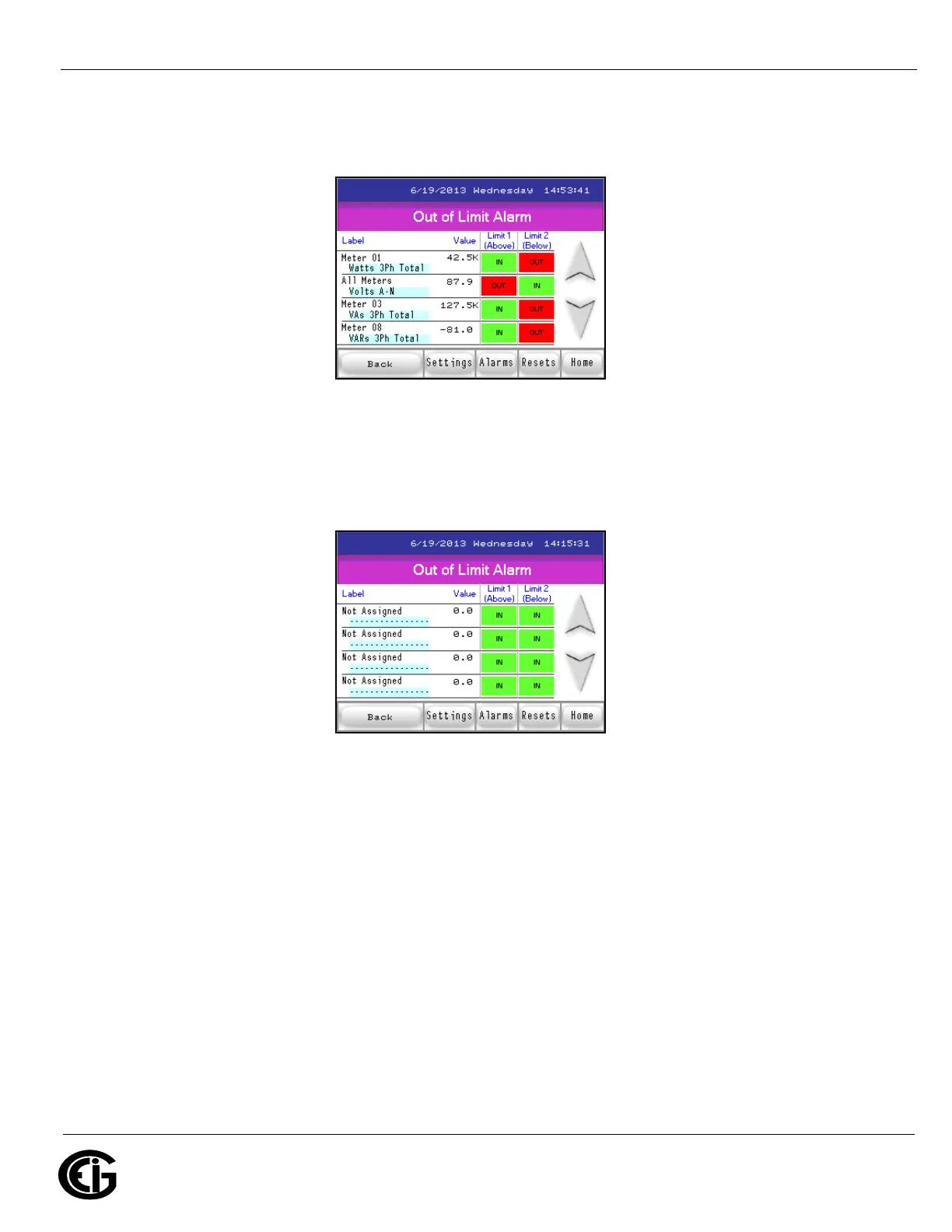
Out of Limit Alarm screen
When you touch Alarm you will see the Out of Limits screen, which displays the first
four limits. Touch the down button to display limits 5-8, shown below.
Out of Limit Alarm screen #2
Touch the Down button to display the screen shown below, which gives you the status
of the I/O card’s inputs.



 To Next Page