Doc# E166703 10-35
10: Using the Optional Display
Electro Industries/GaugeTech
The Leader In Power Monitoring and Smart Grid Solutions
Electro Industries/GaugeTech
The Leader In Power Monitoring and Smart Grid Solutions
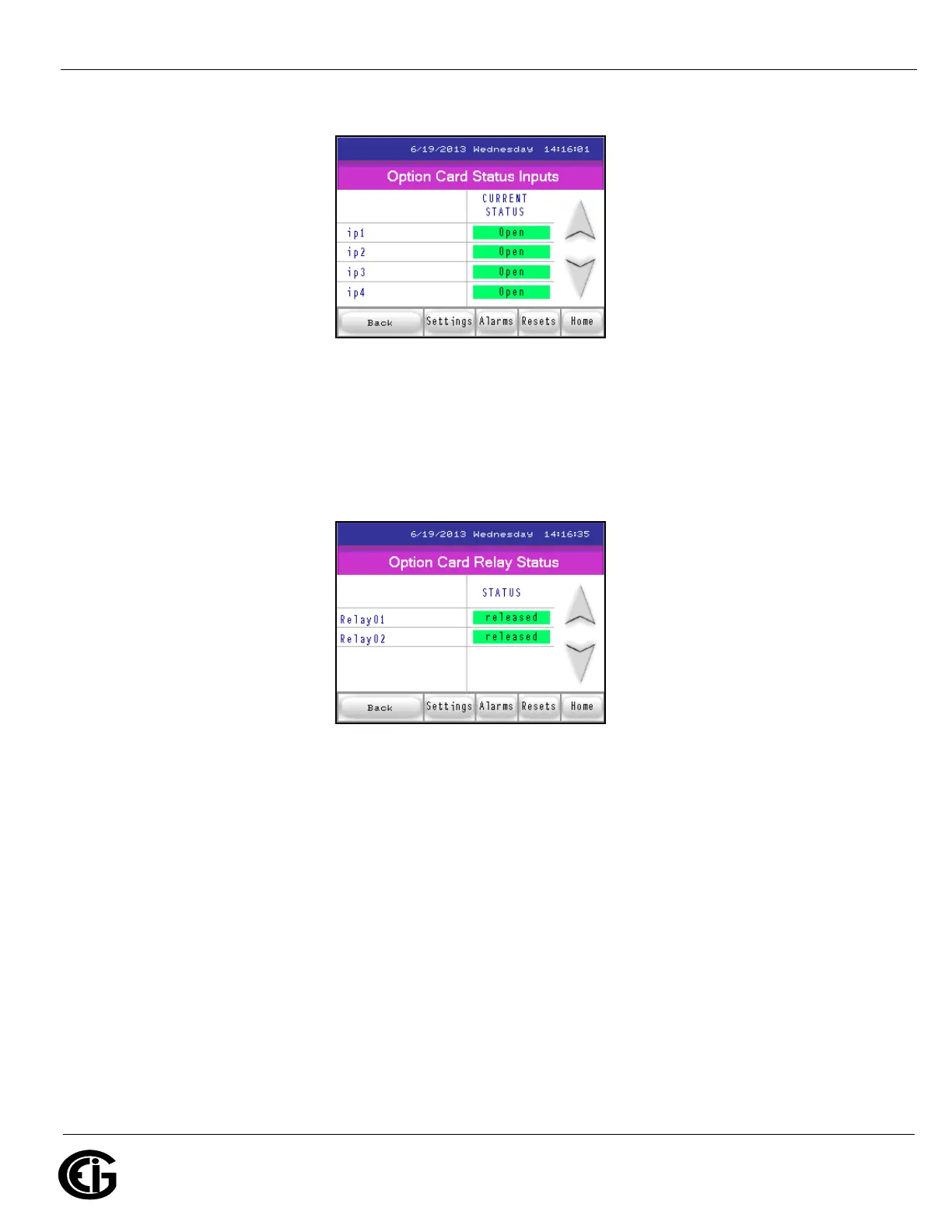
Option Card Status Inputs screen
Touch the Down arrow to display the following screen, which displays the status of the
I/O card’s relays.
Option Card Relay Status screen
This is the last Alarms/Limits screen. From here you can:
• Touch the Back button to return to the first Readings screen.
• Touch Settings to access the Settings screens.
• Touch Resets to reset the meter (described next).
• Touch Home to choose another meter.



 To Next Page