Doc# E166703 10-36
10: Using the Optional Display
Electro Industries/GaugeTech
The Leader In Power Monitoring and Smart Grid Solutions
Electro Industries/GaugeTech
The Leader In Power Monitoring and Smart Grid Solutions
Reset Screens
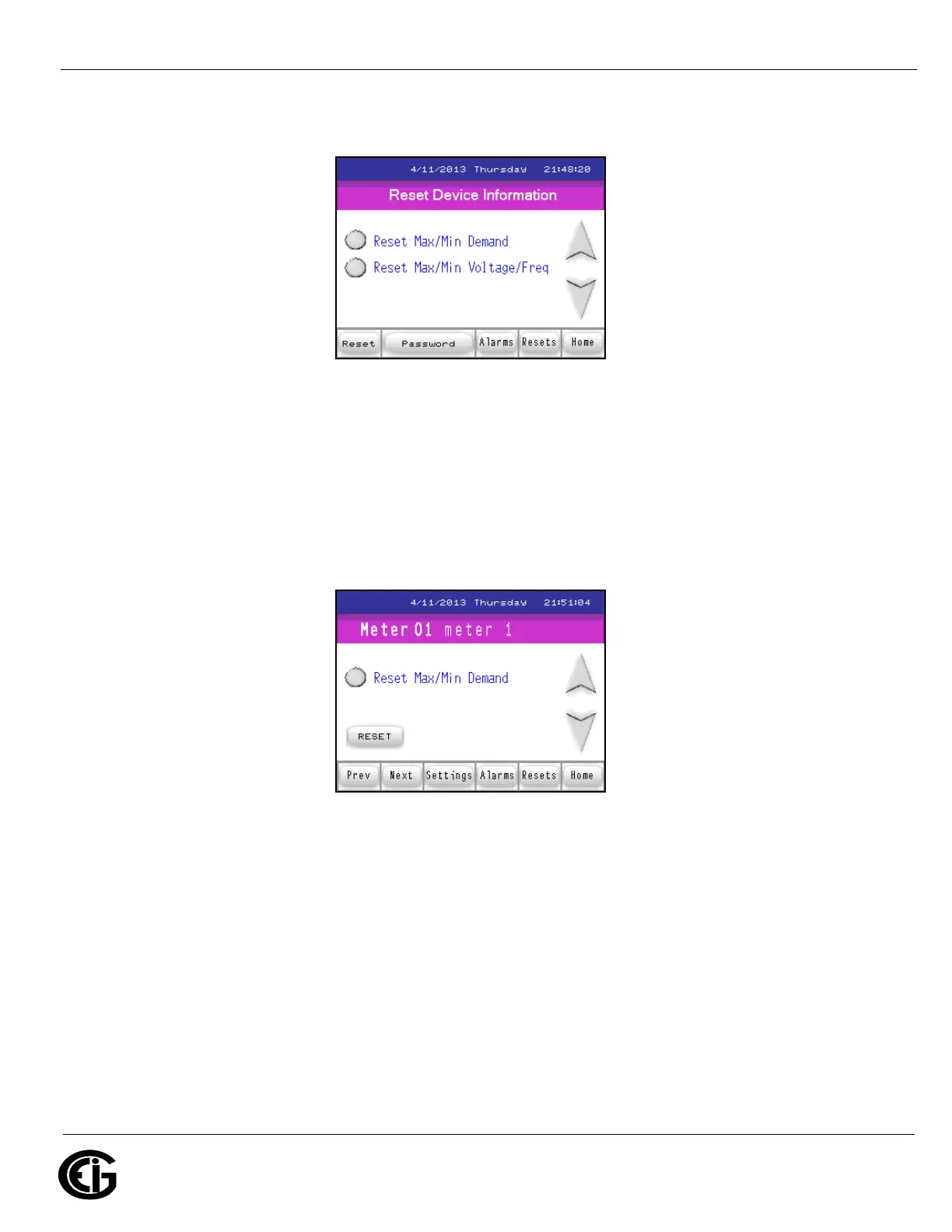
Reset Device Information screen
When you touch the Resets button you see the screen shown above.
Touch either Reset option to reset either the Max/Min Demand and/or Max/Min Volt-
age and Frequency for all of the meters in the MP200 unit. Touch the Down arrow to
display the following screen.
Reset Demand screen



 To Next Page