Doc# E166703 10-37
10: Using the Optional Display
Electro Industries/GaugeTech
The Leader In Power Monitoring and Smart Grid Solutions
Electro Industries/GaugeTech
The Leader In Power Monitoring and Smart Grid Solutions
Touch the button to reset Max/Min Demand for the current meter. This is the meter
you selected from the Home screen.
Touch the Reset button to perform the reset.
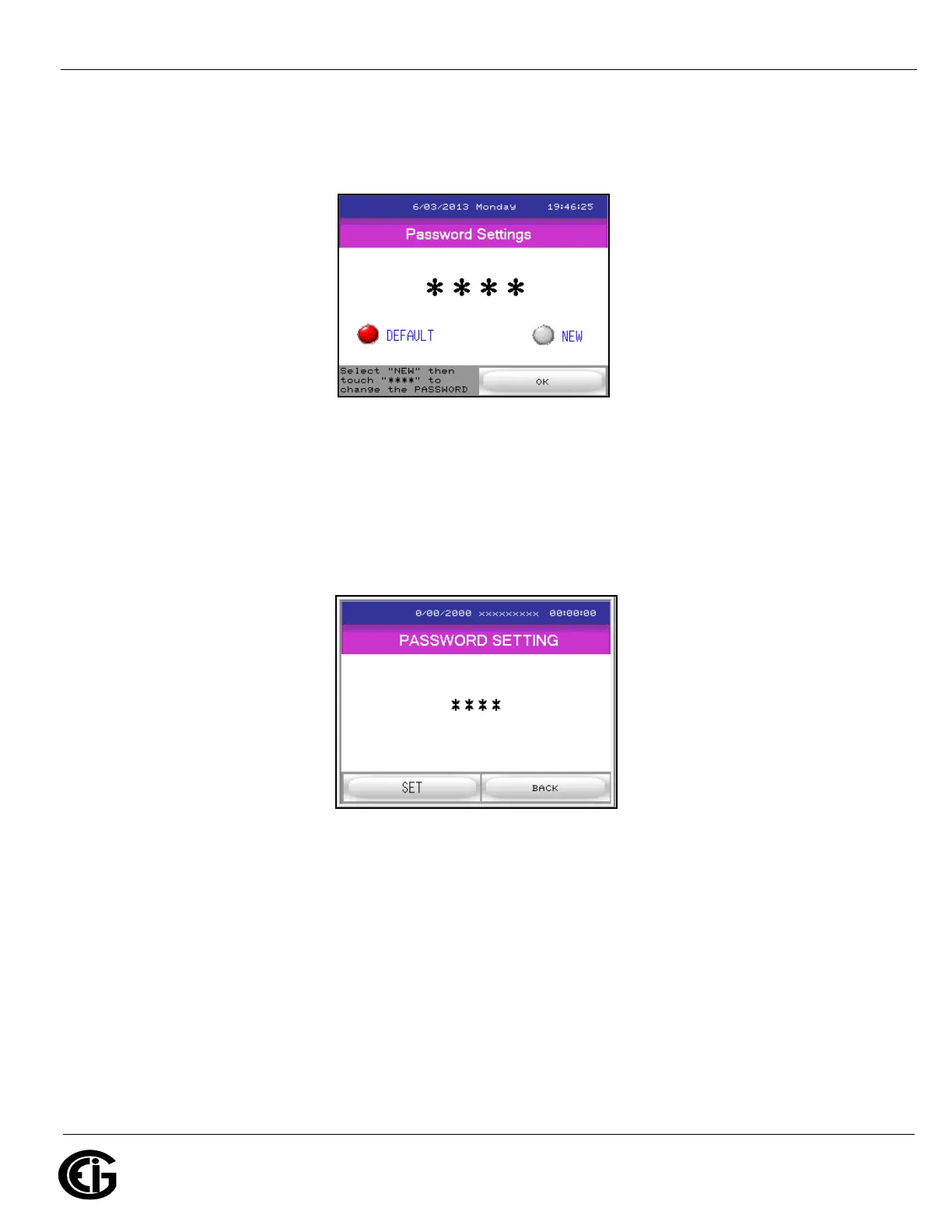
Password screen
If a password has been set for Reset, this screen will be displayed after you select one
of the Reset options. You can touch the Default button to enter the password that has
already been set up. To set a new password touch the New button to display the
screen below.
Password Entry screen



 To Next Page