Paper Tray Settings
*
1
When a paper feed unit is installed.
Address Control
Fax Data Receive/Forward
* When the Internet fax expansion kit is installed.
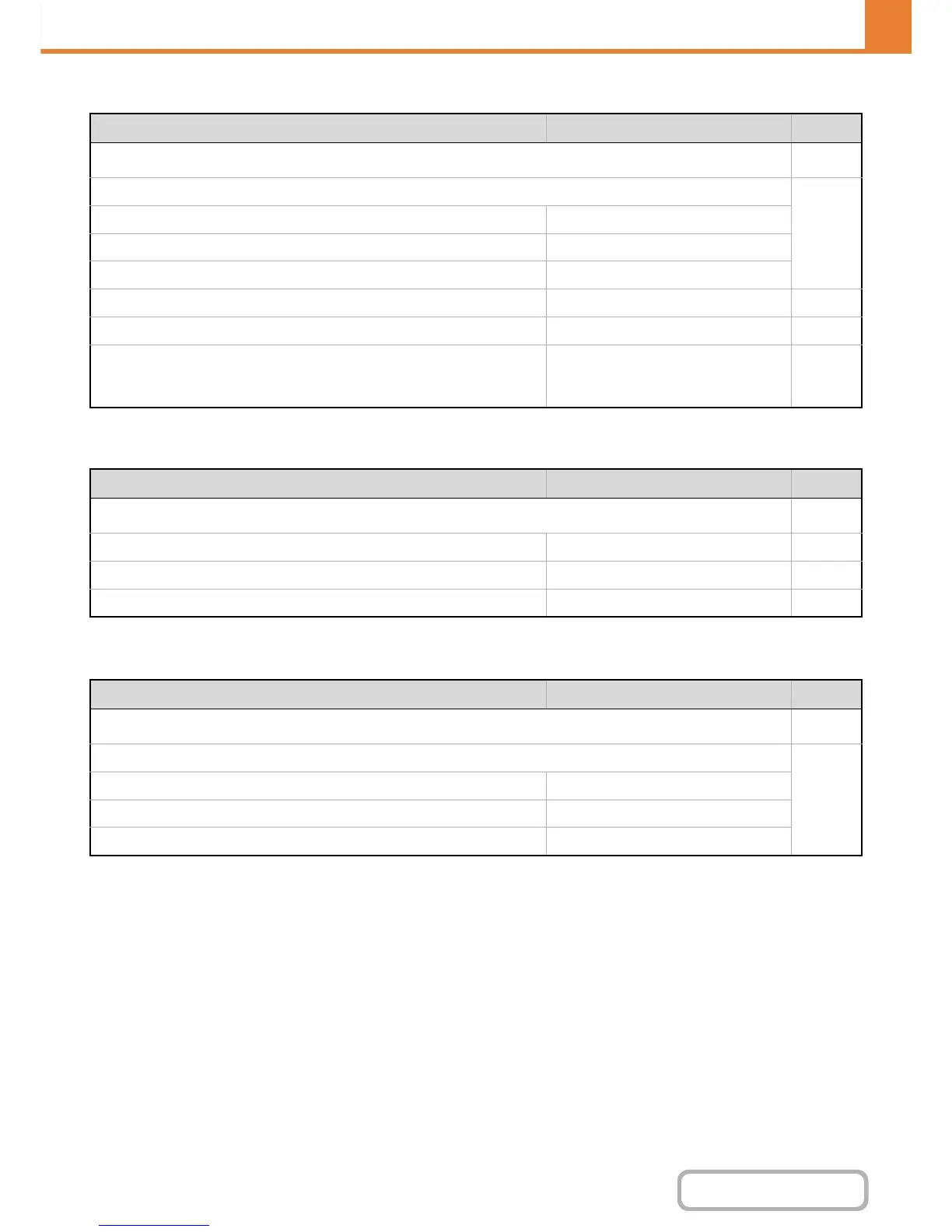
Item Factory default setting Page
■ Paper Tray Settings
7-13
● Tray Settings
7-13
X Tray 1 Plain, 8-1/2" x 11" (A4)
X Tray 2*
1
Plain, 8-1/2" x 11" (A4)
X Bypass Plain, 8-1/2" x 11" (A4)
● Paper Type Registration – 7-15
● Auto Tray Switching Enabled 7-15
● Custom Size Registration (Bypass) Custom 1: X=11", Y=8-1/2"
Custom 2: X=11", Y=8-1/2"
Custom 3: X=11", Y=8-1/2"
7-15
Item Factory default setting Page
■ Address Control
7-16
● Address Book – 7-16
● Custom Index User 1 7-20
● Program – 7-21
Item Factory default setting Page
■ Fax Data Receive/Forward
7-22
● I-Fax Settings*
7-22
X Reception Start –
X Manual Reception Key in Initial Screen Enabled
X Forward Received Data –


 To Next Page