13
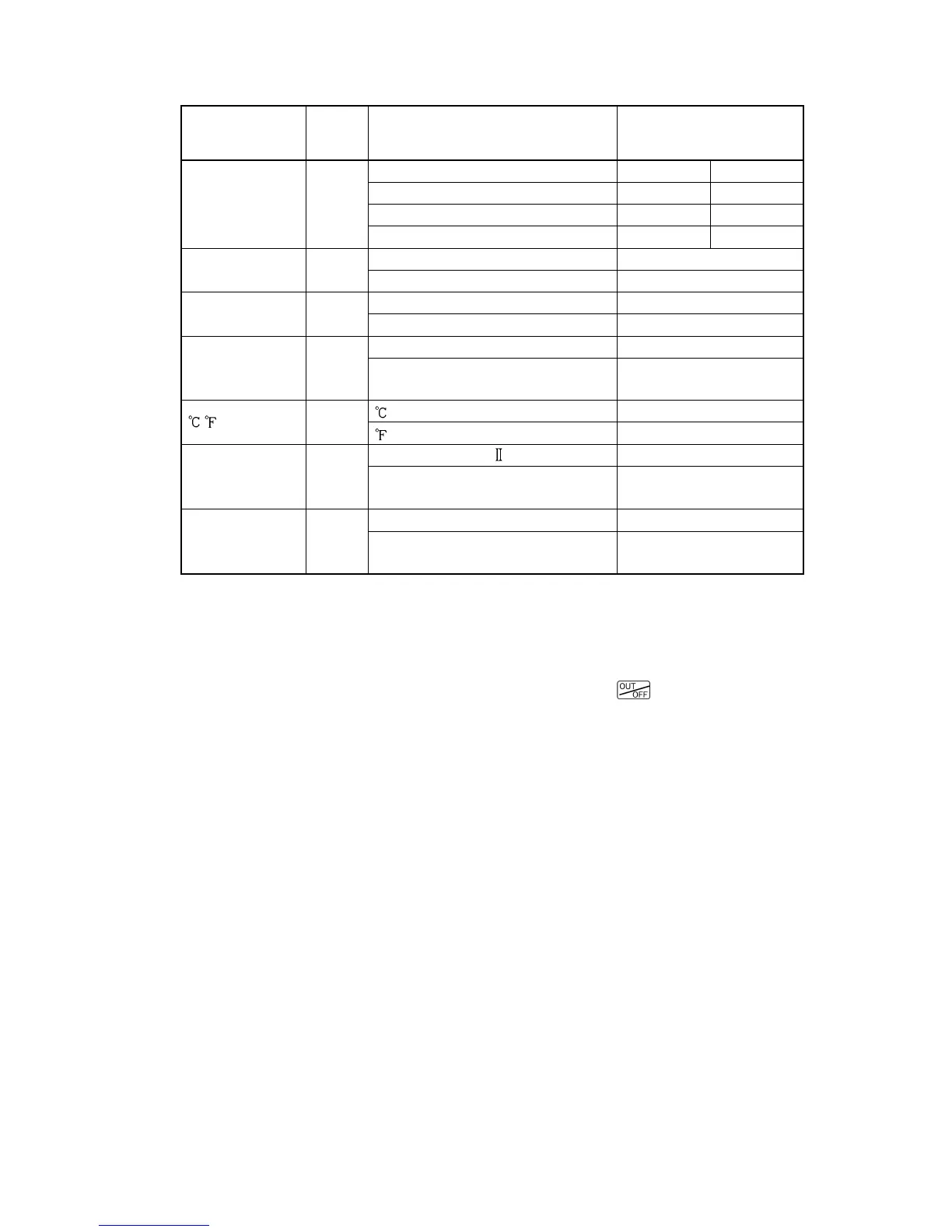
The following items can be selected by the DIP switch (SW304).
Default value: All switches OFF
(Table 3.2-1)
Item
DIP
SW304
No.
Selection Switch status
Control action
1
and
2
Fuzzy self-tuning PID control No.1: OFF No.2: OFF
PID control No.1: ON No.2: OFF
PD control No.1: OFF No.2: ON
ON/OFF control No.1: ON No.2: ON
Heating/Cooling
action
3
Heating (reverse) action No.3: OFF
Cooling (direct) action No.3: ON
Alarm 1 (A1)
standby action
4
No standby action No.4: OFF
Standby action No.4: ON
Alarm 2 (A2)
standby action
(*1)
5
No standby action No.5: OFF
Standby action No.5: ON
/
6
No.6: OFF
No.6: ON
Sensor input
(*2)
7
K, J, R, B, N, PL-
, Pt100, JPt100
No.7: OFF
S, E, T, C, 4 to 20mA, 0 to 20mA,
0 to 1V, Pt100
No.7: ON
Program start
Auto/Manual
(*3)
8
Manual start No.8: OFF
Automatic start No.8: ON
(*1): The standby function will work only when the A2 option is added.
(*2): Use the Rotary switch (SW303) and DIP switch (SW304) together for making a
selection.
(*3): Program start Auto/Manual: For program control
Manual start : The preset program starts by pressing the
key.
Automatic start : The preset program automatically starts from Step 1 after 2 seconds
of warm-up status after power-on.



 To Next Page