ShopBot PRS Assembly Manual Page -24
• With bolts “finger tight,” move along the X-Rail on the front side of your tool,
aligning the aluminum bar on the inside exactly flush with the inside of the table
side.
• Then start at one end further tightening the bolts.
• As you continue to lock the front X-Rail in position, slide your 6ft level or straight
edge along the outside edge of the rail to check for straightness. Nudge the
aluminum bar slightly if it needs adjustment.
• When you’ve got the front side rail in position and straight, fully tighten all the bolts
on the front side rail.
Adjust the Position of the Rear X-Rail
You’ll use a tape measure to set the initial position of the rear X-Rail. Always make these
kinds of important measurements from the 1” mark on the tape. Do not trust the accuracy
of the clip at the end of the tape.
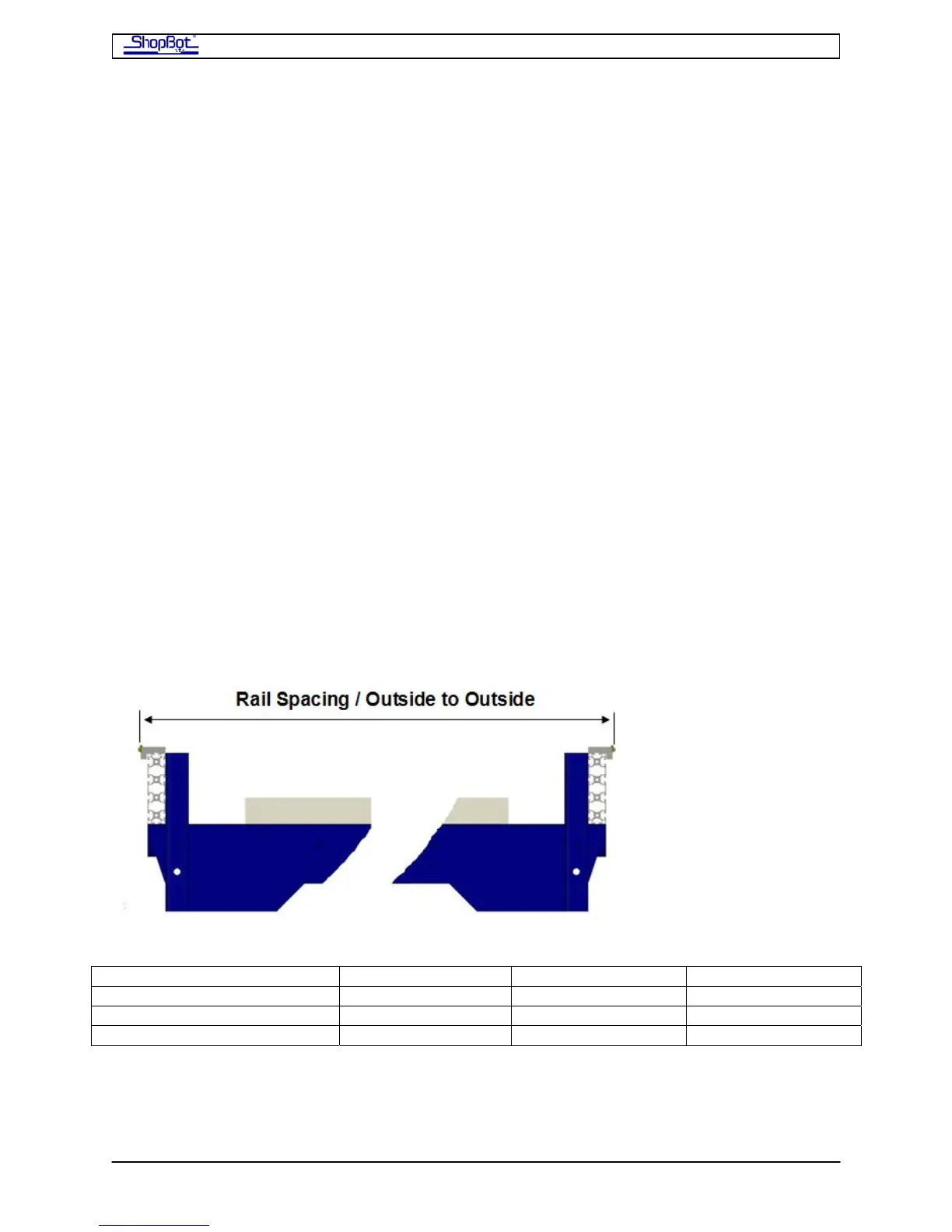
• Consult the chart below for the exact distance, outside edge to outside edge, for the
rails.
• Use the tape to check the distance at each of the bolts, and adjust where necessary.
Try to get within 1/32in of the distance. Note that the edge portion of the rails is ¼”
wide, so there will be a 1/16” mark that should fall on the exact centerline of the ‘V’
of the rail.
• Tighten these bolts on the rear rail down just a bit. But note that you are probably
going to need to adjust the rear rail again slightly, after putting the X-Car in place.
========== WORK AREA WIDTH ==========
DIMENSION 48” (121.92cm) 60” (12.40cm) 72” (182.88cm)
Outside to Outside of Rail 65.812”(167.16cm)
77.812”(197.64cm) 89.812”(228.12cm)
Outside to Outside of Table 64.5” (163.83cm) 76.5”(194.31cm) 88.5”(234.79cm)
PRSAssembly080922.doc Copyright 2007,2008 ShopBot Tools, Inc



 To Next Page