ShopBot PRS Assembly Manual Page -30
Attaching the Motors
Put the Pinion Gears on the Motors
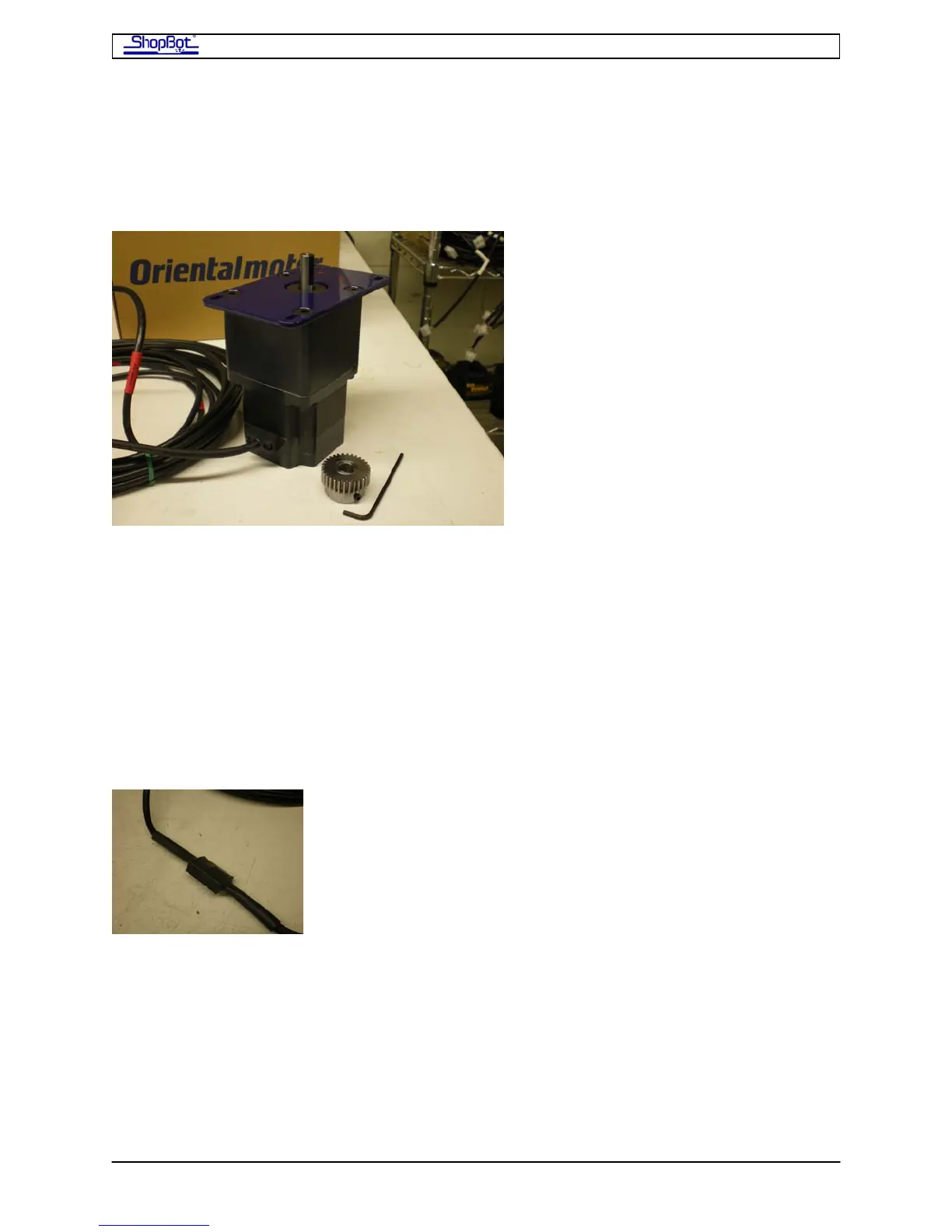
Locate the X and Y motors. These motors will already be fitted to a blue mounting bracket
and have a long cable attached. Also find the bag with your pinion gears.
• Fit a pinion gear on each of the motors and set the end of the gear flush with the
motor shaft. Don’t tighten the set screw yet; we’ll test fit the motors on the tool first.
• Note that the motor cables are color-coded to indicate the axis of the motor.
RED is X axis (there is an X-1 and an X-2 motor).
BLUE is the Y axis.
WHITE is the Z axis.
YELLOW is an accessory axis.
DO NOT REMOVE THE HEAT SHRINK THAT ENCASES THE CONNECTION BETWEEN
THE MOTOR AND CABLES. IT IS THERE TO INSURE SOLID CONNECTIONS IN ALL
CONDITIONS.
PRSAssembly080922.doc Copyright 2007,2008 ShopBot Tools, Inc



 To Next Page