ShopBot PRS Assembly Manual Page -35
Mounting the Router or Spindle
Since the power requirements are different for a Porter Cable router than for a Spindle, we
install different components in the Control Box depending on which cutter you specified at
the time you placed your order. They are not interchangeable. Before retro-fitting your tool
from a router to a spindle or vice-versa, please call ShopBot to discuss the changes you will
need to make to reconfigure your tool.
If You Have a Porter Cable Router
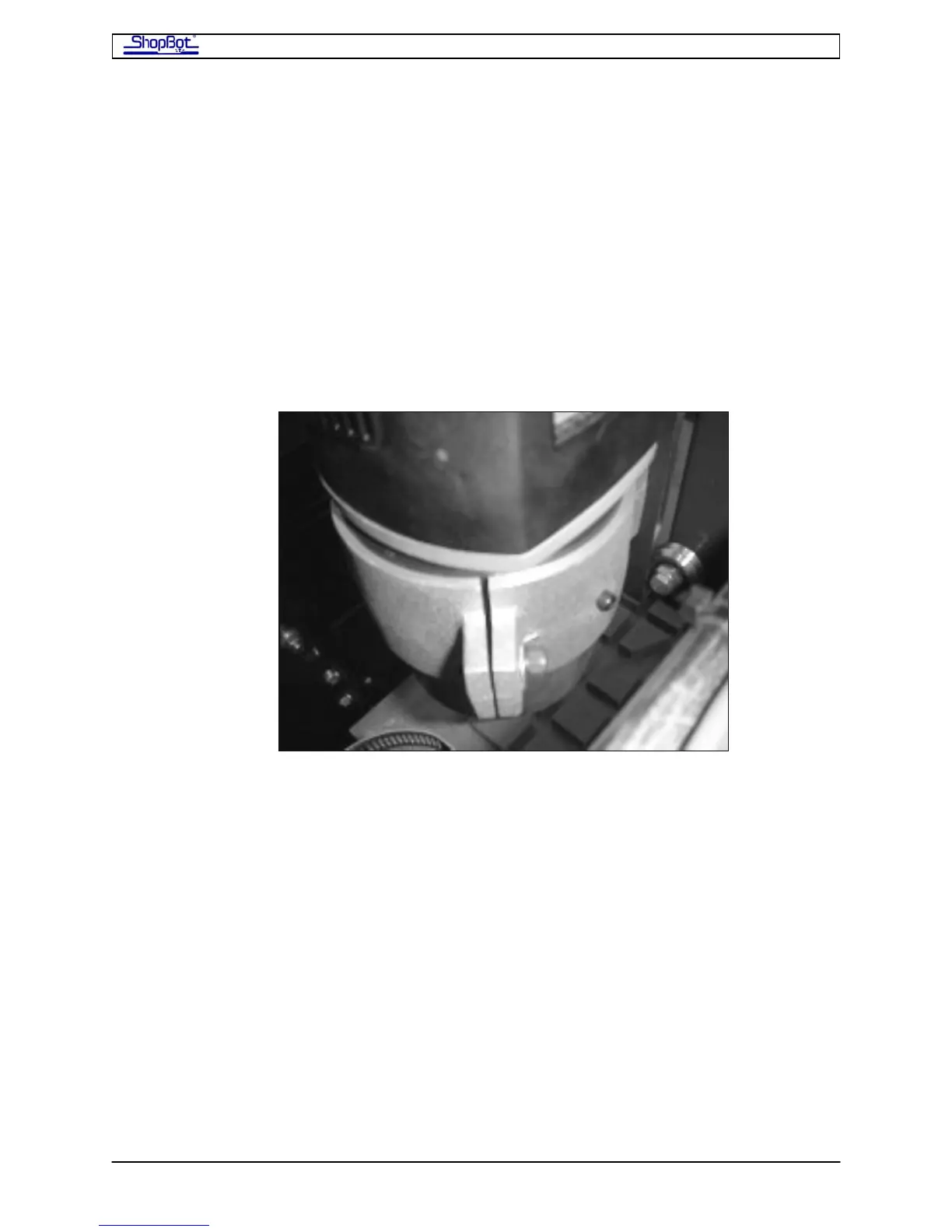
The Porter Cable fits into the aluminum sleeve that is already attached to the Z-axis.
• Remove the plastic insert from the router mount.
• Slide the router barrel into the plastic insert and then into the aluminum sleeve. Note
that there is a hole in the plastic insert for so that the grounding screw can be
tightened into electrical contact with the router shell. Line this up when you are
inserting the router into the mounting sleeve.
• Tighten the router into the bracket with an Allen wrench. Then tighten the grounding
screw “hand-tight”.
PRSAssembly080922.doc Copyright 2007,2008 ShopBot Tools, Inc



 To Next Page