SIMATIC IPC677E
Operating Instructions, 04/2019, A5E45117996-AA
33
Mounting and connecting the device
3.1 Preparing for mounting
3.1.1 Scope of delivery
Device and hardware for the device
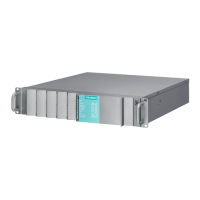
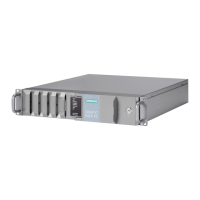
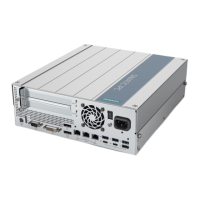
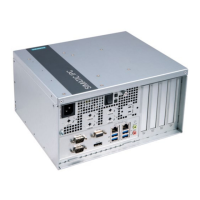
● Panel PC SIMATIC IPC677E
● Mounting clips
● Strain relief
● Power plug latch
● USB stick
Optional:
● DiagMonitor
● Image & Partition Creator
● Power supply cable
Supplied data medium
On the supplied data medium (read-only), you can find:
● Software and tools to restore your ordered Microsoft® Windows® operating system.
● Device drivers for installation in operating systems
● SIMATIC IPC677E Quick Install Guide
● SIMATIC IPC677E Operating Instructions
● Product information
● Firmware/BIOS description
● Operating instructions for your ordered Microsoft® Windows® operating system on this
device



 To Next Page