Product description
1.4 External design of the device
SIMATIC IPC847E
Operating Instructions, 10/2018, A5E43920357-AA
25
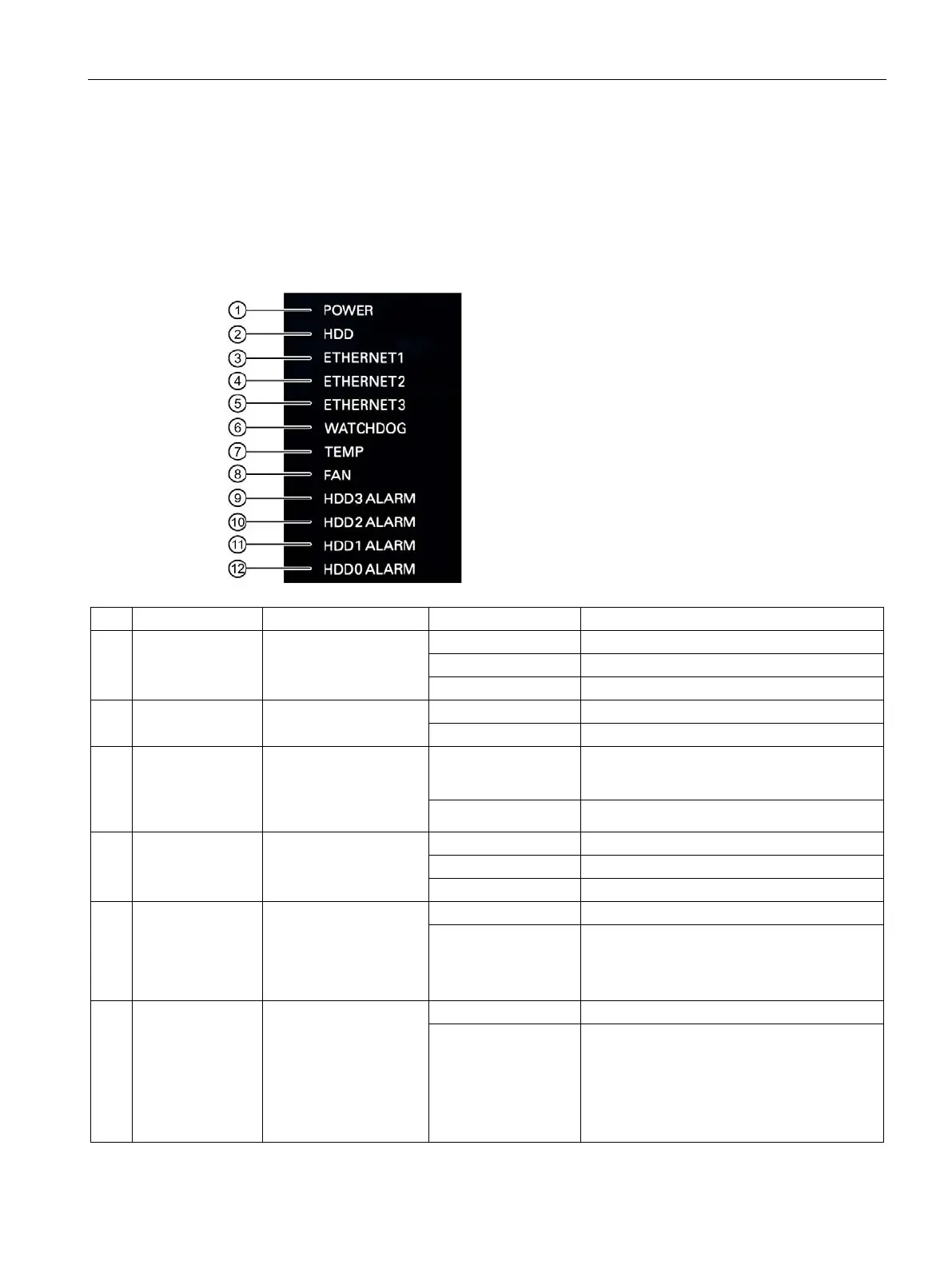
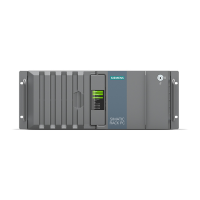
The status displays for the system are located on the front of the device. They provide
information on the status of the device components.
①
POWER Operating mode of the
PC
Switched off or disconnected from the mains
②
HDD Access to hard disk
④
ETHERNET 1
ETHERNET 2
ETHERNET 3
Ethernet status display OFF
• No connection
• No data traffic
GREEN Data traffic
⑥
WATCHDOG Watchdog status
TEMP
Temperature status
RED Possible causes:
• CPU temperature is critical
• Device temperature is critical
FAN Fan status
RED Possible causes:
• Front fan faulty
• Fan on drive cage type A faulty
• Fan of simple power supply faulty (non-
redundant power supply)



 To Next Page