Commissioning
7.4 Connecting and setting up the reader
SIMATIC MV500
136 Operating Instructions, 03/2021, C79000-G8976-C494-05
Step 5: Align the optical reader
Before you put the optical reader into productive operation, you must first align it correctly
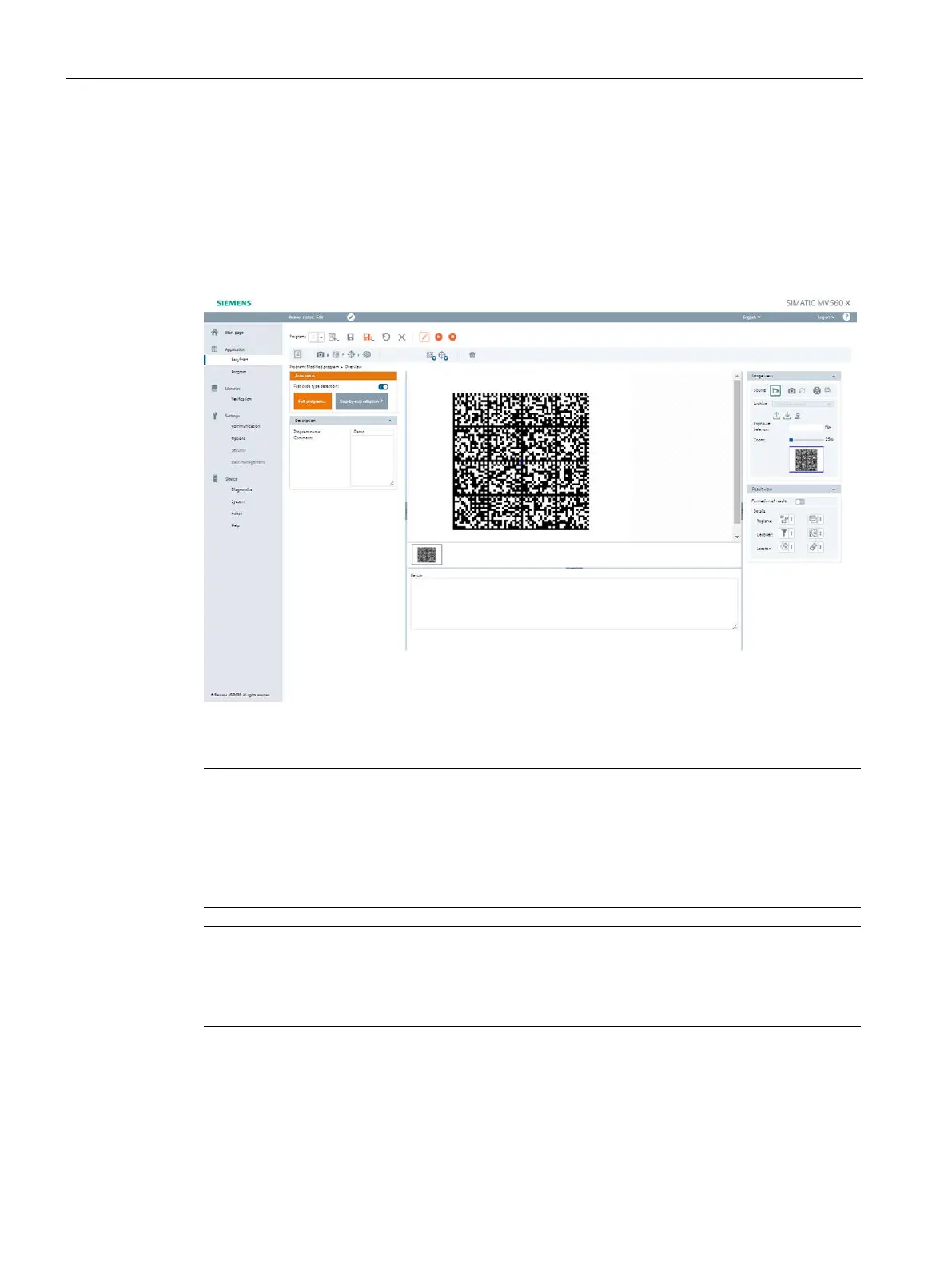
and configure it. To do this, use the "Auto-setup" function in the "Application > EasyStart"
menu. In the image display, the image section is displayed as the optical reader sees it.
Also note the information on installing the reader in the section "Notes on installation
(Page 103)".
Figure 7-2 The "Overview" program step in the "EasyStart" menu of the WBM
Depending on the lens used, the image must be focused manually. When using a mini
-lens,
you may need to loosen the fixing screws on the lens and then use the knurled screw to focus
the image. When using an EF lens, the focus setting is performed automatically by the "Auto
-
Always perform the alignment without the protective lens barrel
orientation and basic configuration of the optical reader should always be performed
without a screw-on protective lens barrel.



 To Next Page