Process interfacing via an automation system (PLC, PC)
9.4 Control with FB 79
SIMATIC MV500
172 Operating Instructions, 03/2021, C79000-G8976-C494-05
9.4.1 Assignment of the interfaces relevant to PROFINET IO
Control/status byte
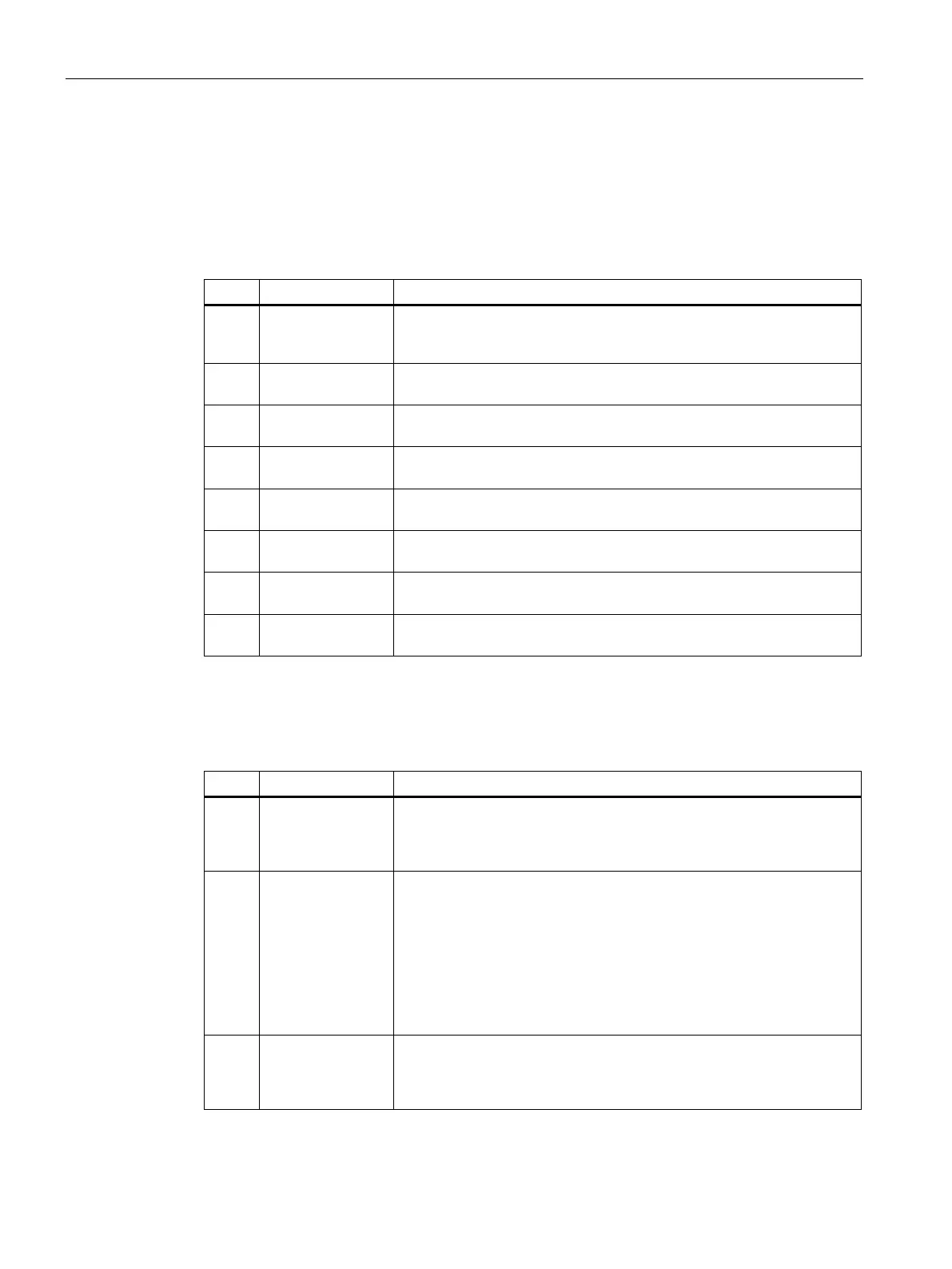
Table 9- 33 Assignment of control bytes (input signals)
Disables manual keyboard input, program selection and program sav-
ing, error acknowledgment, starting the optical reader
1)
Select 0
Program selection bit 0
1)
Select 1
Program selection bit 1 (with TRN = 0) / save program (with TRN = 1)
1)
Select 2
Program selection bit 2
Select 3
Program selection bit 3
Save program
Saves new program.
Trigger
Processing starts on a positive edge.
1)
The signals only work if "DISA = 1".
Table 9- 34 Assignment of status byte (output signals)
• 0: Error message is displayed.
1: Optical reader functional, no error
• In run:
– 0: Selected program is not saved.
– 1: Selected program has been saved.
• With Save program (TRN = 1)
– 0: Save program active
–
1: Acknowledgment signal (RDY = 0)
• 0: Startup of the optical reader or optical reader in the "Stop"
1: Optical reader in "Start"



 To Next Page