SIMATIC MV500
Operating Instructions, 03/2021, C79000-G8976-C494-05
149
Process interfacing via an automation system
(PLC, PC)
You can operate the optical reader with either the WBM or an automation system. Using an
automation system (e.g. S7 controller), you can control the optical reader and view read
results and verification results.
Note
Controlling the readers via an automation system
Note that when the WBM is active, you can only control the readers via an automation system
(e.g. Saving and changing programs), if the "Take control" check box in the "Security" tab is
disabled for the current user in the "Options" menu of the WBM.
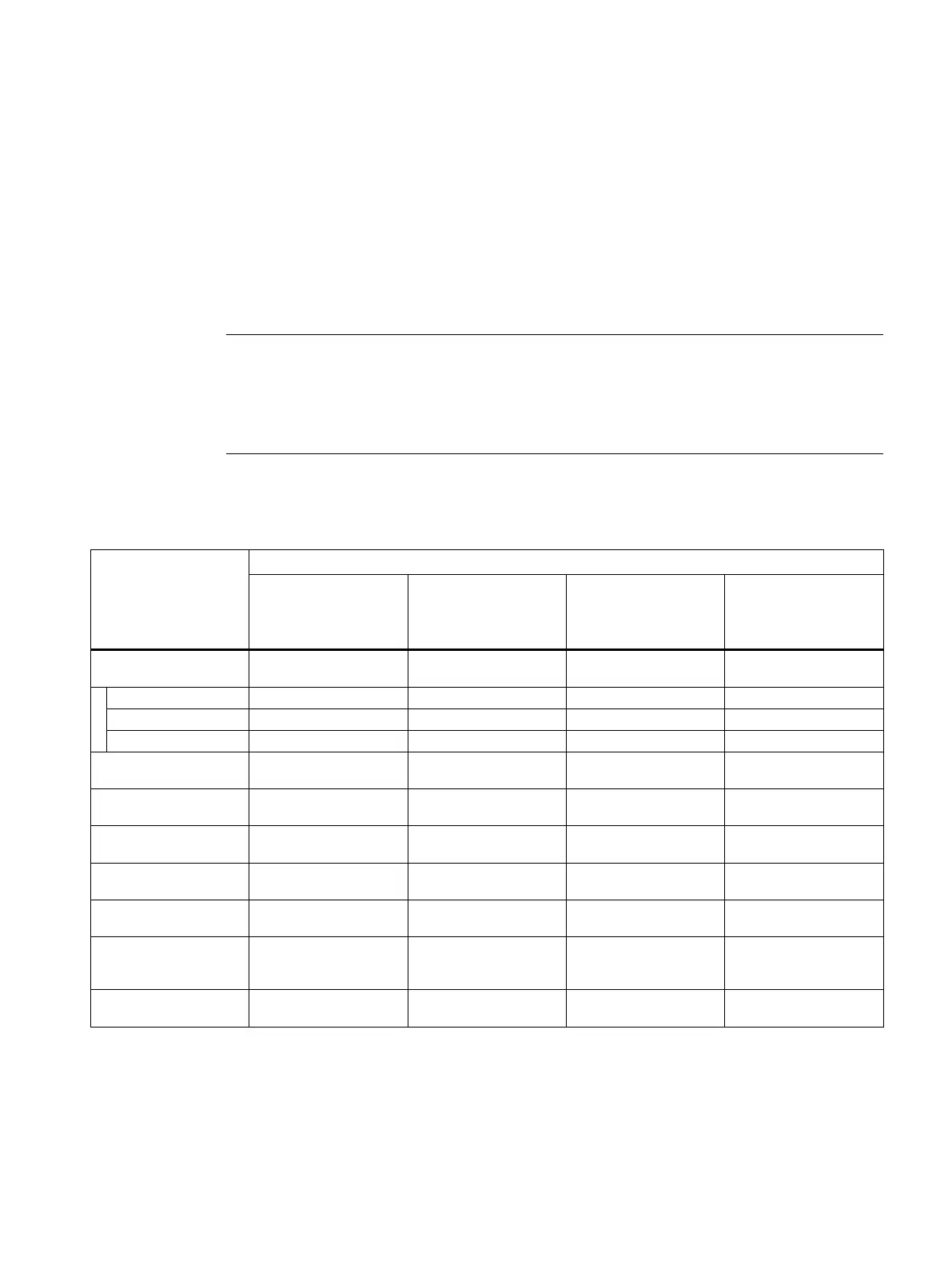
Table 9- 1 Overview: Compatible communication modules, controllers and program blocks
Ident systems and MV
interface
Compatible program blocks in conjunction with ...
Ident profile
with S7-300/400/
FB 45
with S7-300/-400
1)
FB 79
with S7-300/-400
Without a dedicated
FB
SIMATIC MV500
(without CM)
SIMATIC MV500
via ASM 456
SIMATIC MV500
via ASM 475
2)
via RF185C/RF186C/
SIMATIC MV500
via RFID 181EIP
Not recommended for designing new configurations.
Only in conjunction with the S7-1200 controller
3)
An FB based on the Ident profile is available for connection via Rockwell controllers.



 To Next Page