Process interfacing via an automation system (PLC, PC)
9.4 Control with FB 79
SIMATIC MV500
Operating Instructions, 03/2021, C79000-G8976-C494-05
195
If "ERRCODE" <> DW#16#0000 0000" following an FB call, you will need to call the FB again
with "RESET = TRUE" to reset the error information in the FB.
Note
Acknowledging the error of the optical reader
By calling the FB with "RESET = TRUE", you only acknowledge error displays of the FB. To
acknowledge errors of the optical reader (e.g. "Transmit error"), you must set the "RES" bit of
the control byte.
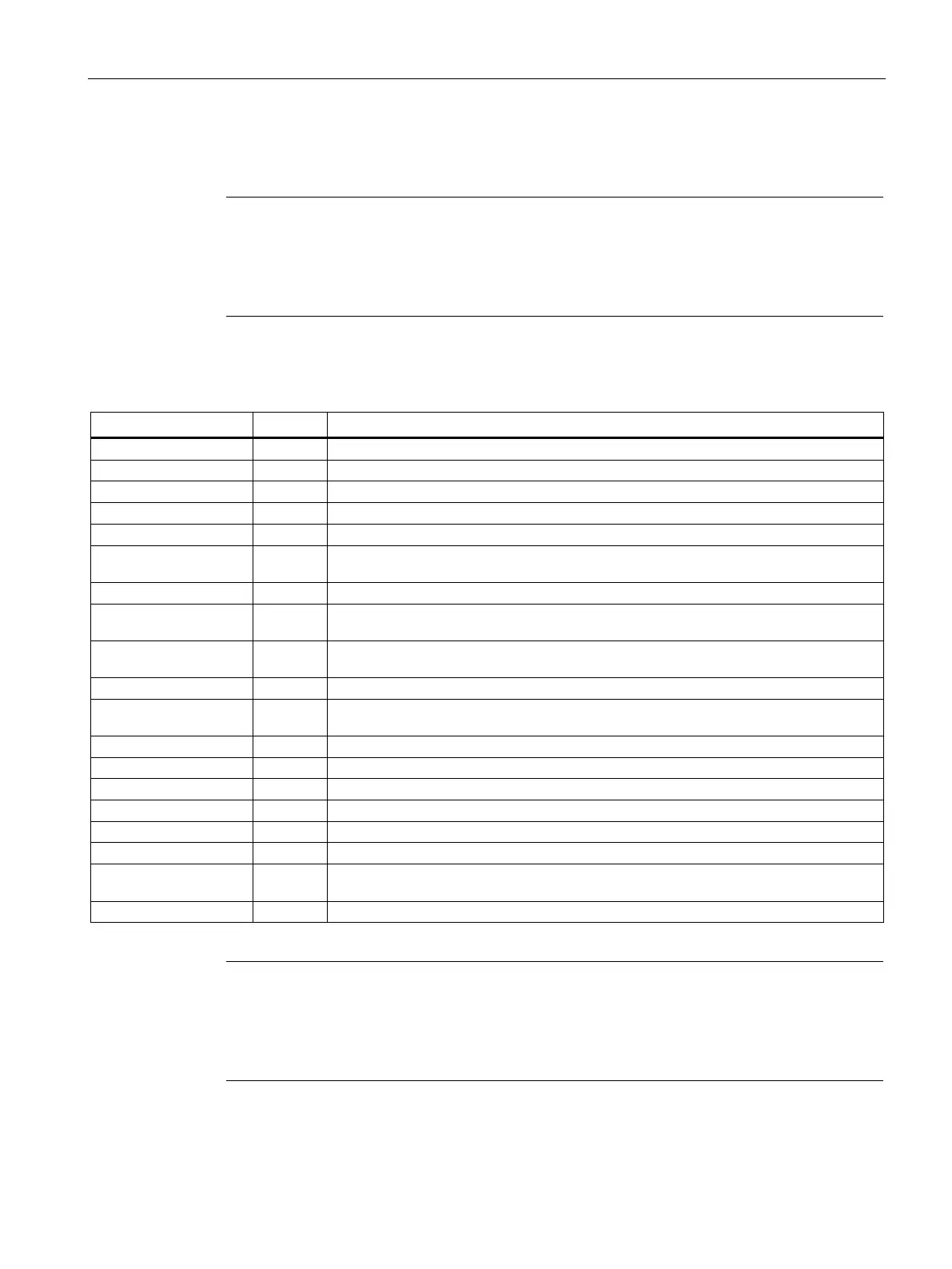
Table 9- 50 Error information of FB 79
New job inactive as long as old job is active.
Invalid job number ("COMMAND" parameter).
The job cannot be processed in the current state of the optical reader.
The FB was called with "RESET = TRUE" during normal operation (not startup and no
error present) or the user data interface is already occupied by a different FB instance.
Send/receive user data interface not available or incomplete
The selected program number does not correspond to that specified on the FB be-
cause the control of the optical reader may have been taken over by the WBM.
Invalid program number ("PARAM1" parameter). Program numbers 1 to 14 (save pro-
gram) and 0 to 15 (change program) are permitted.
Saving a program is not possible because the control of the optical reader may have
been taken over by the WBM.
Illegal receive area. Only data blocks and the "BYTE" data type are permitted.
The receive area does not exist.
The receive area is too short.
The receive area is write-protected.
The selected program number is not saved.
Program cannot be saved. Position the code within the image or improve the image
quality.
Job canceled by the optical reader.
Error information not included
If you receive error information that differs from that listed above, this originates from SFC 20
"BLKMOV" that is used to
enter the result string in the receive area. You will find its error
information in the online help of the system functions/function blocks.



 To Next Page