Network and system integration
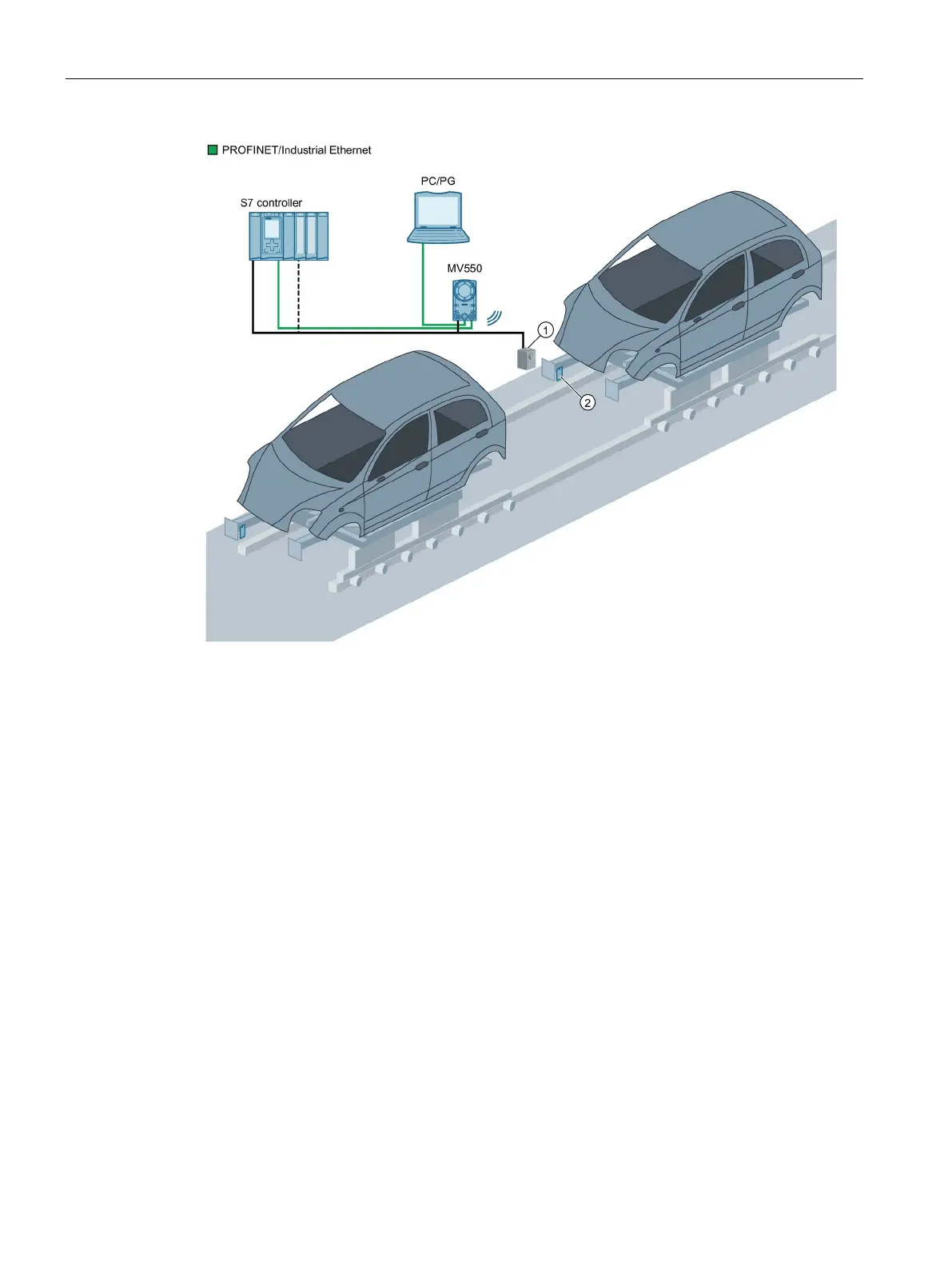
4.3 System configuration of the optical reader as PROFINET IO device with switch and FB 79 or Ident profile
SIMATIC MV500
96 Operating Instructions, 03/2021, C79000-G8976-C494-05
Optical sensor or light barrier (for trigger signal)
Figure 4-2 Example: System configuration of the optical reader as PROFINET IO device and FB 79 or
Ident profile
System characteristics
• A connection to a PROFINET IO-capable S7 controller is established via Ethernet.
• The optical reader is controlled by the S7 controller.
• The result output of the test objects takes place via PROFINET IO to the S7 controller.
• The optical reader is triggered either via digital I/O, PROFINET or via the built-in auto-
trigger function.
• A PC/programming device is connected via Ethernet for the adjustment procedure.



 To Next Page