SIGLENT
SDS1000CML/CNL/DL Service Manual 11
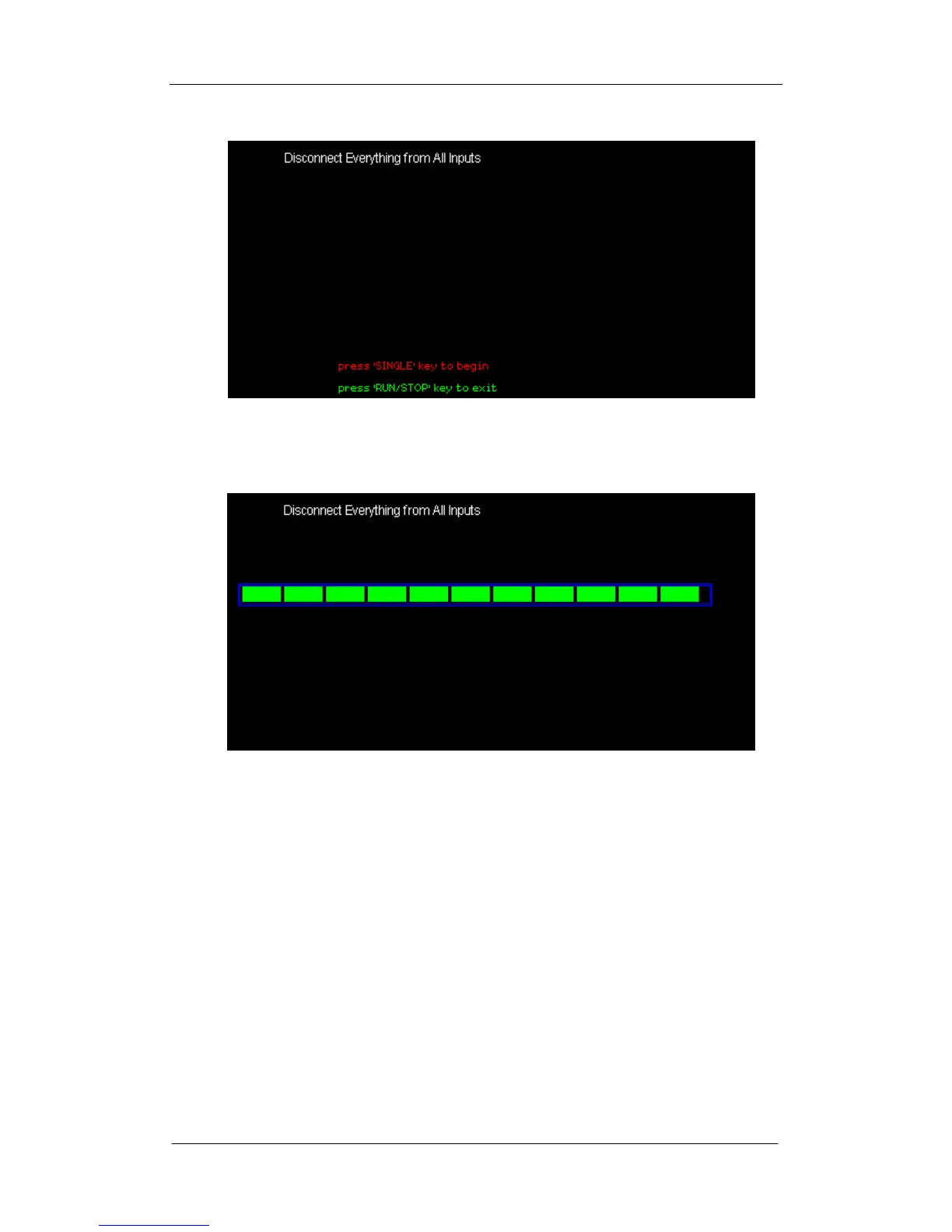
Figure 2-3 Calibration interface
3. Press “SINGLE” to begin.
Figure 2-4 Calibration interface
4. After the Self Calibration completed, Press “RUN/STOP” key to exit.
Note: In normal condition, the self calibration will take about 20 seconds. If it
does not complete within this period or stop at one of the calibration items,
there may be failures inside the instrument.









 To Next Page