SIGLENT
30 SDS1000CML/CNL/DL Service Manual
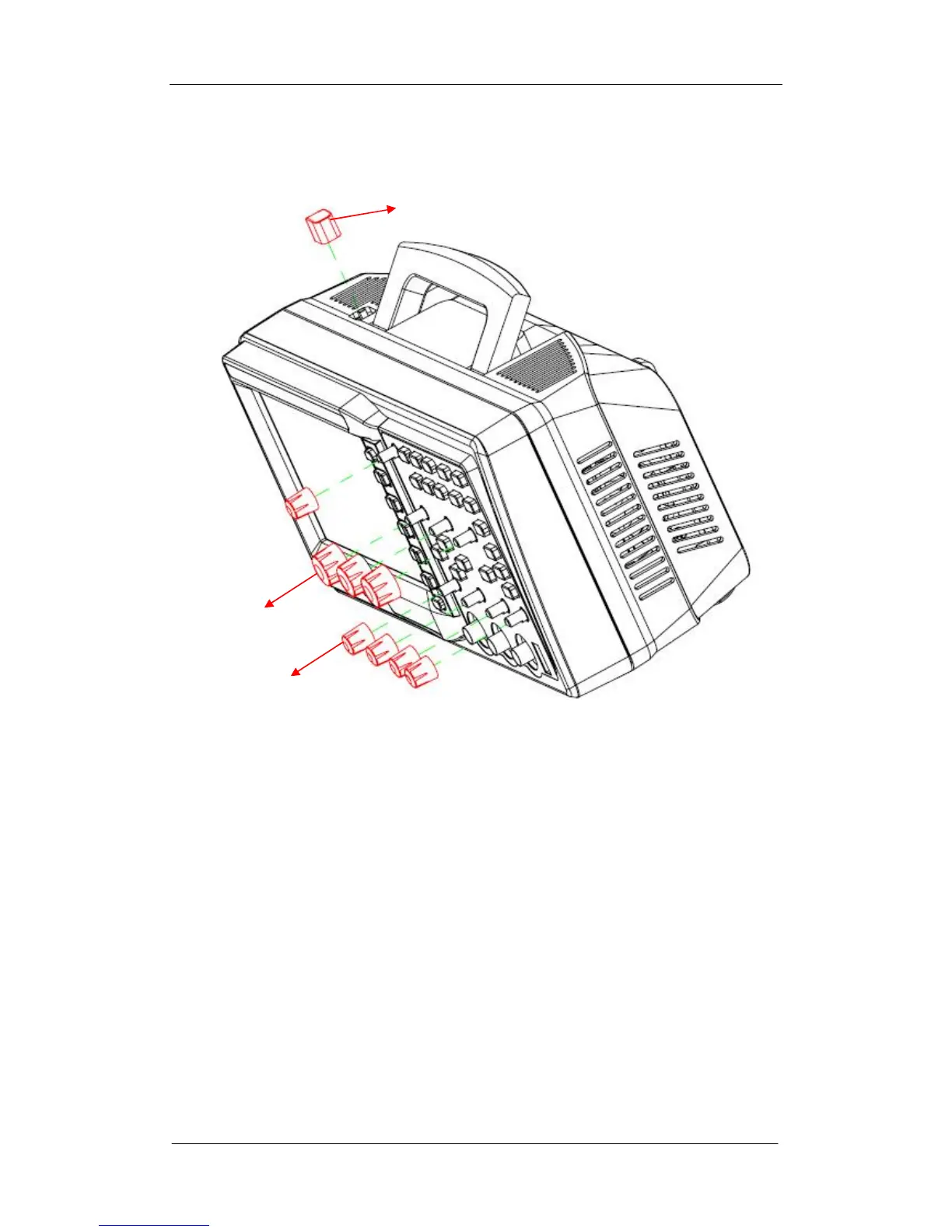
Removing the Front-Panel Knobs
Figure 5-1 Removing the Front -Panel Knobs
Removing steps:
Remove each front-panel knob by firmly grasping the knob (with pliers if
necessary) and pulling it away from the front panel.
To install the Front -Panel Knobs , please operate as the reverse steps.
Big knob
Small knob
On/Off button









 To Next Page