SIGLENT
SDS1000CML/CNL/DL Service Manual 15
RS-232 Test
To test if the RS-232 interface works normally through Super Terminal.
Tools:
● An SDS1000CML/CNL/DL Oscilloscope
● A computer with RS-232 interface
● A standard RS-232 cable
Steps:
1. Super Terminal is a type of software within Windows XP itself. Firstly you
should set up a Super Terminal shortcut on your desktop. Remember to set
the Baud Rate to 38400 during the setup procedures.
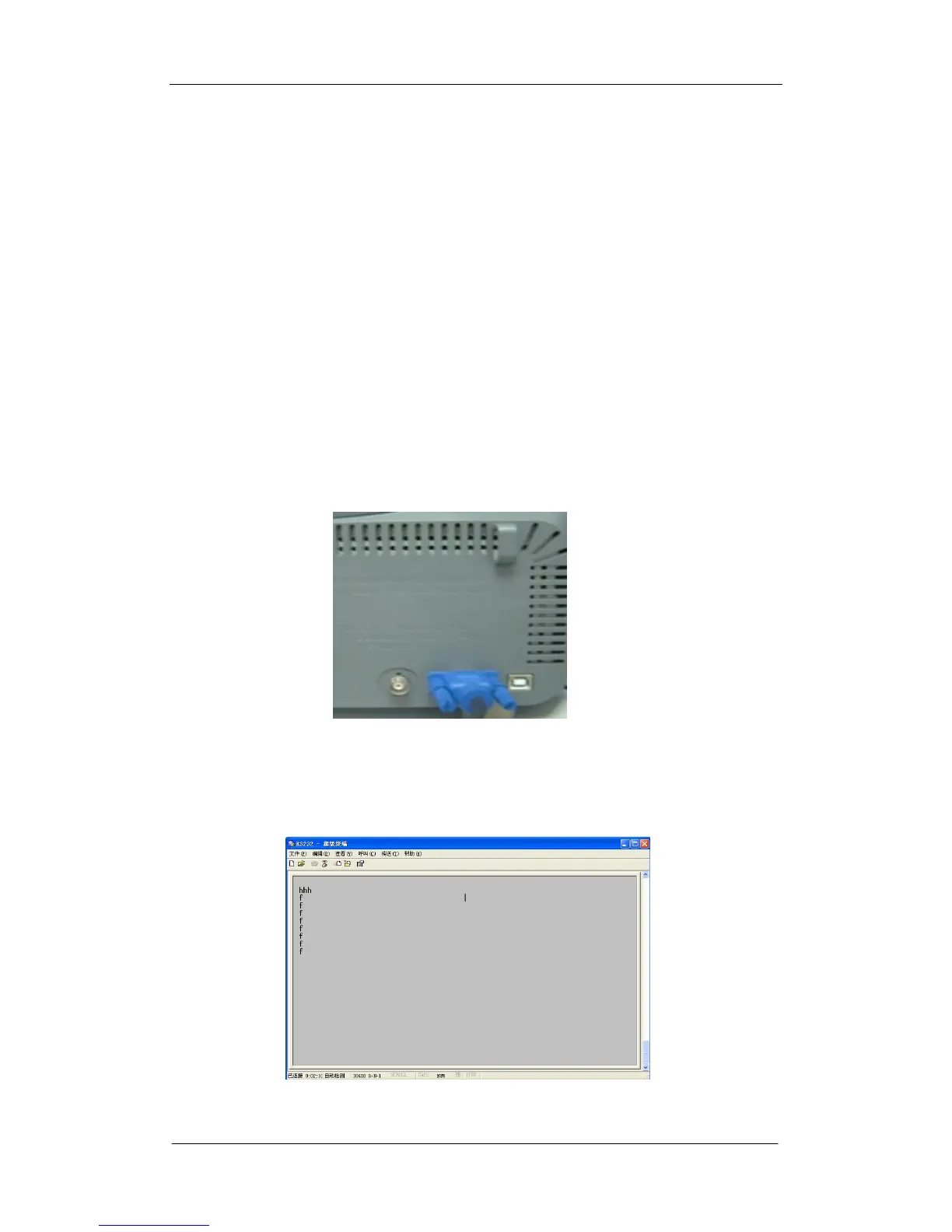
2. Connect the oscilloscope and the computer using a RS-232 cable via
RS-232 interface. Open the Super Terminal shortcut that set in step 1 on
your desktop.
Figure 2-7 RS-232 interface
3. You can input any letter or figure, and it will response to you. This function is
designed for secondary development.
Figure 2-8 RS-232 Super Terminal interface









 To Next Page