SIGLENT
16 SDS1000CML/CNL/DL Service Manual
Pass/Fail Test
To test if the Pass/Fail interface works normally connected with another
oscilloscope.
Tools:
A SDS1000CML/CNL/DL Oscilloscope
An oscilloscope of any type
Two BNC cables
An arbitrary Waveform Generator
Steps:
1. Turn on the SDS1000CML/CNL/DL oscilloscope.
2. Input 1 KHz Sine signal to the oscilloscope using an arbitrary Waveform
Generator through a BNC cable, then press AUTO on the front panel of the
oscilloscope.
3. Press “UTILITY” button page3/4 Pass/Fail, set the submenus under
the Pass/Fail menu as table below:
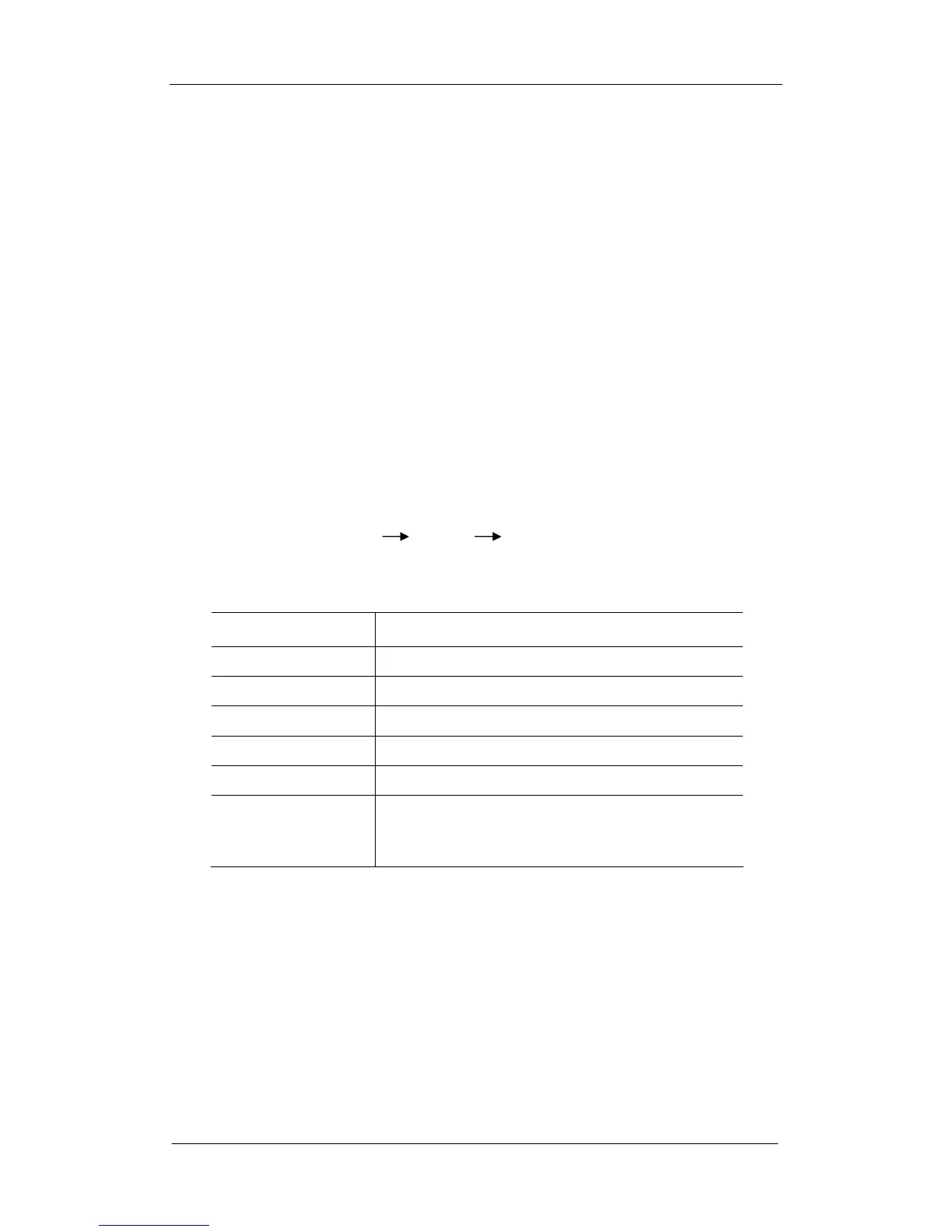
Table 2-3 Pass/Fail submenu items
Submenu Setting
Enable Test On
Source CH1
Msg Display On
Output Pass
Stop On Output Off
Mask setting
X Mask
Y Mask
0.24div (arbitrary)
0.28div (arbitrary)
Note: remember to press Create Mask to complete Mask setting after x mask
setting and y mask setting.
After selecting the corresponding option as table above, you will see the
waveform displays as the following:









 To Next Page