SIGLENT
SDS1000CML/CNL/DL Service Manual 17
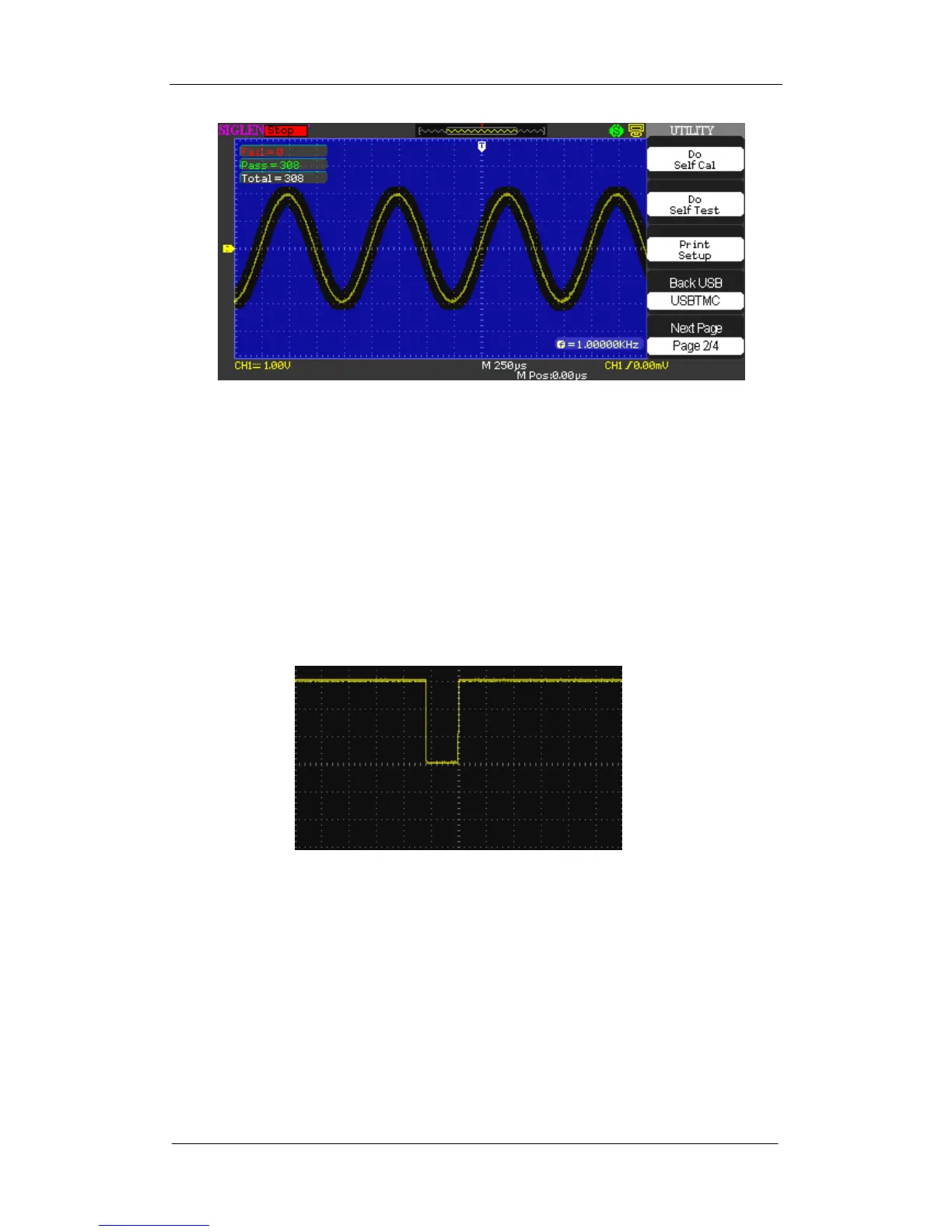
Figure 2-9 Pass/Fail Waveform
If the waveform is in the range that set under menu of Mask setting, it is
allowed to pass. Otherwise, it fails to pass.
4. Connect the Pass/Fail BNC connector of the SDS1000CML/CNL/DL
oscilloscope and channel 1 BNC connector of another oscilloscope using a
BNC cable.
5. If the Pass/Fail interface works normally, you will see a pulse wave displays
as below by properly adjusting the time base and voltage scale. Otherwise,
there might be errors to the interface.
Figure 2-10 Pulse Waveform









 To Next Page