SIGLENT
6 SDS1000CML/CNL/DL Service Manual
Prepare Information
Before doing performance verifying or procedure adjusting, you should master
the following operations to make the oscilloscope work in a good state or deal
with some simple functional problems. This chapter includes the following
contents:
How to perform functional checks
How to operate four standard interface tests
How to use self-calibration routine
How to recall factory Default settings
Fore more detailed information about oscilloscope operation, please refer to
you Quick Guide.
Functional checking
This functional checking covers three kinds of checks, by which you can verify
whether the oscilloscope works normally.
Power-on Inspection
The normal operating voltage for SDS1000CML/CNL/DL series digital
oscilloscope is in range of 100 ~240VRMS with frequency from 45Hz to 440Hz.
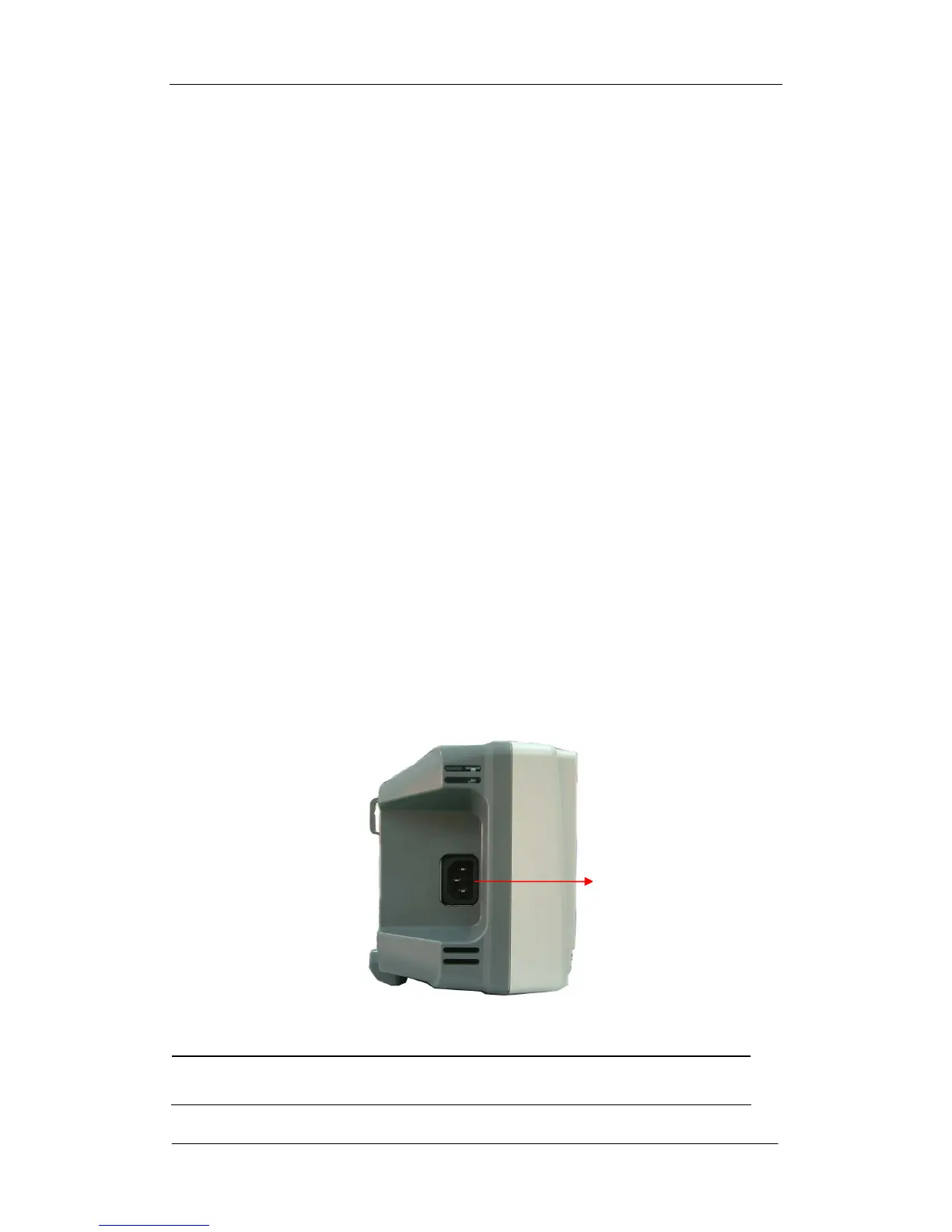
Connect the power line to the socket on the rear panel of the oscilloscope.
Figure 2-1 Connect power line
Note: To avoid electric shock, make sure that the instrument is
correctly grounded to the earth before connecting AC power.









 To Next Page