SIGLENT
14 SDS1000CML/CNL/DL Service Manual
USB Device Test
To test if the USB Device interface works normally connected with EasyScope
software.
Tools:
● A SDS1000CML/CNL/DL oscilloscope
● A computer with USB interface
● A standard USB cable (Type AB)
● EasyScopeX software for SDS1000CML/CNL/DL
Steps:
1. Set up EasyScopeX software in a computer and Install the driver step by
step following the instructions.
2. Connect the oscilloscope and the computer using an USB cable, then select
“USBTMC” in “Back USB” menu under the UTILITY menu.
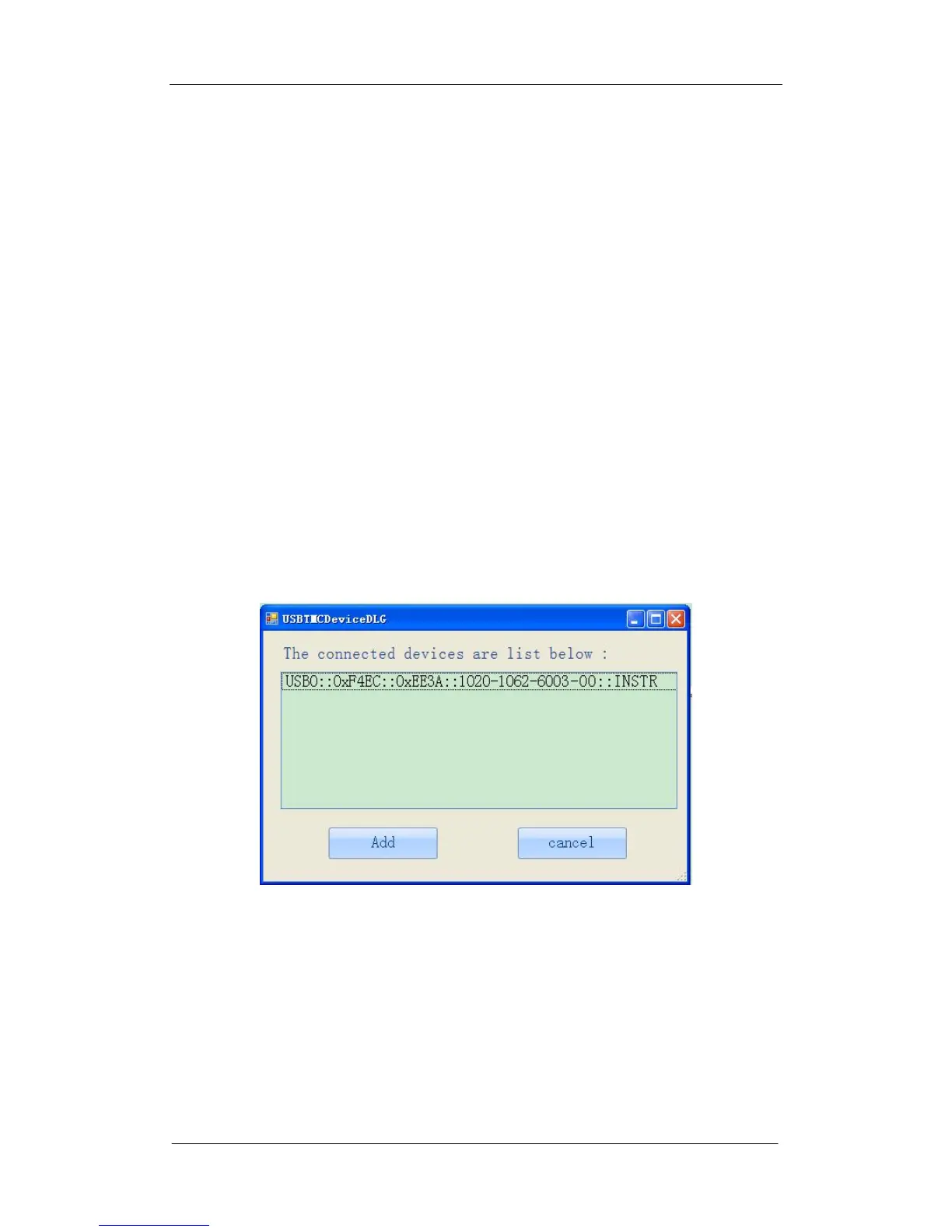
3. Run EasyScopeX. Click “Add Device” at the upper left corner of the
EasyScope interface and immediately displays the “USBTMCDeviceDLG”
interface, then click the “Add” on the interface to complete the connection.









 To Next Page