SIGLENT
12 SDS1000CML/CNL/DL Service Manual
Interface Test
The SDS1000CML/CNL/DL oscilloscope is designed with four standard
interfaces: USB Host interface on the front panel, USB Device interface,
RS-232 interface and Pass/Fail interface on the rear panel. Being connected to
other instruments via these interfaces enables the oscilloscope to realize some
advanced functions. To make sure the oscilloscope can work normally, please
test the interfaces at first.
USB Host Test
To test if the USB Host interface works normally.
Tools:
● An SDS1000CML/CNL/DL digital oscilloscope
● An U disk
Steps:
1. Insert an U disk into the USB Host interface on the front panel of the
oscilloscope.
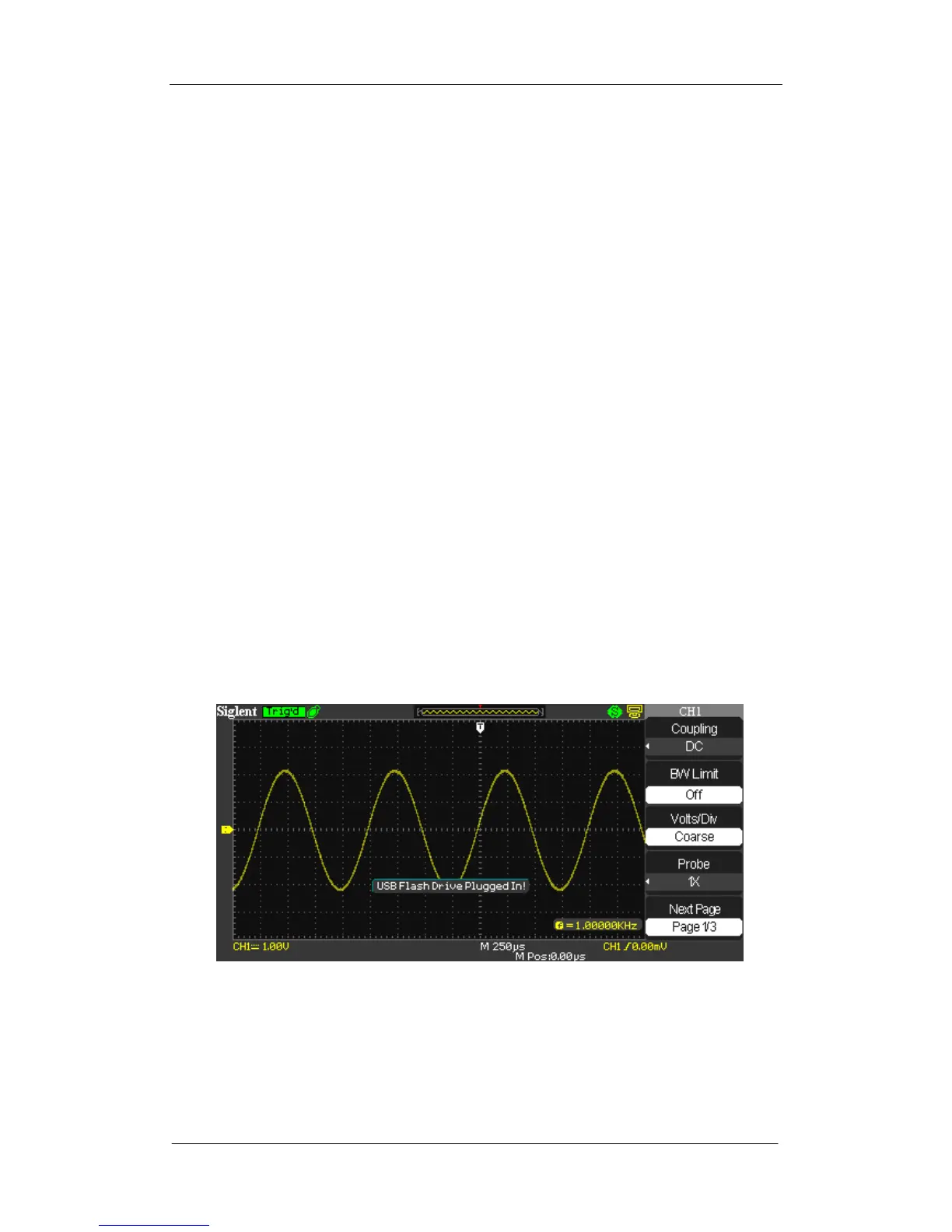
2. Quickly a prompt message “USB Flash Drive Plug In!” appears on the
screen, which suggests the U disk has been recognized successfully.
Figure 2-5 Insert U disk
3. Press Save/Recall button to display Save/Recall menu, then select “File” at
the second option “Save To” and select “Save” to enter file save/recall
interface.









 To Next Page